San Andreas / Tools / Tools to create new cars, maps, mods etc.
SA:MP Map Editor
- _=Gigant=_ | uploaded by Gigant66x
- 08/02/2026 (Last Update: 08/04/2026)
- 469 Downloads
Ratings:
Please sign in first.
Favorites:
1.04Mb

Videos
No videos added yet.You need to be signed in to add videos to this mod.
Description
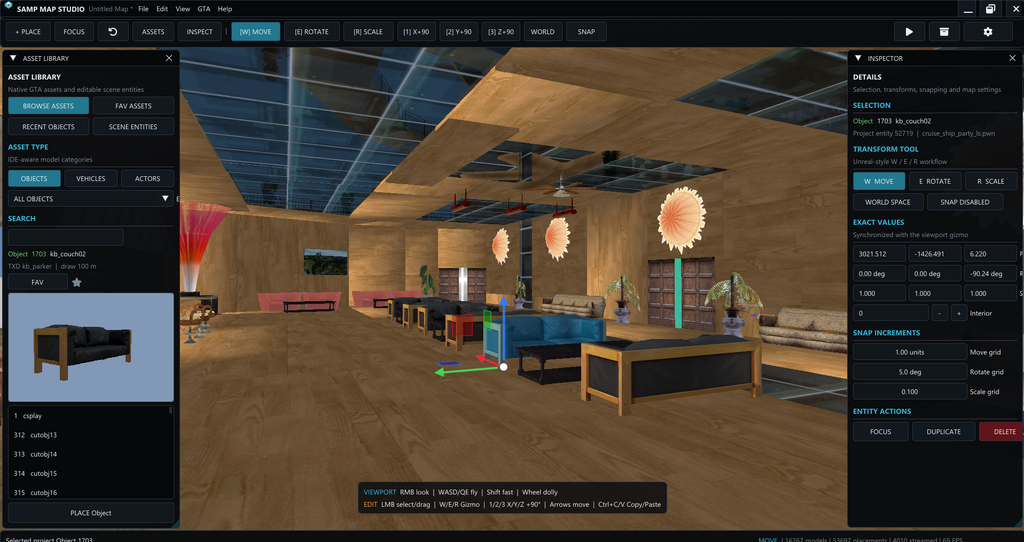
Hotkeys '1' '2' '3' - duplicated object xyz rotation
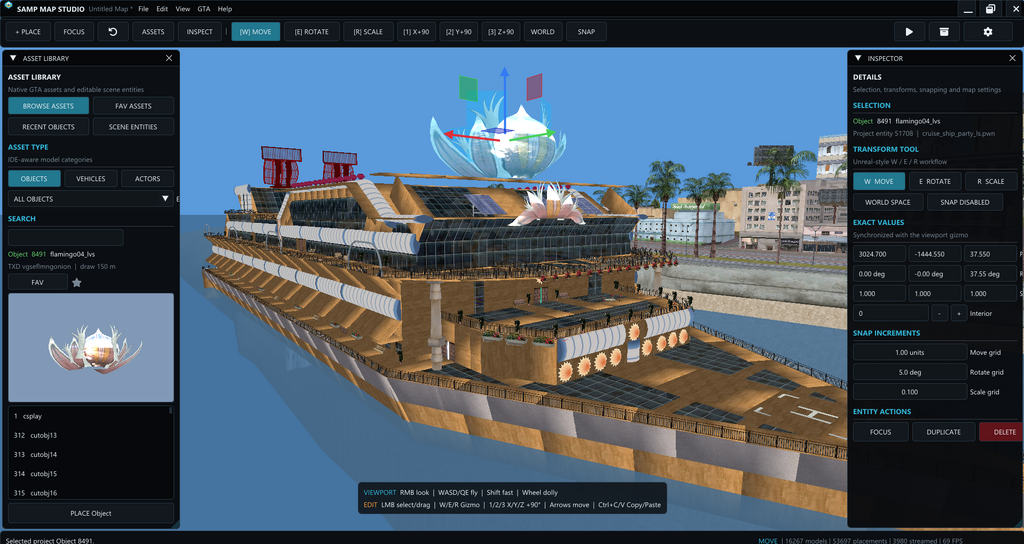
CTRL + D - duplicate selected object
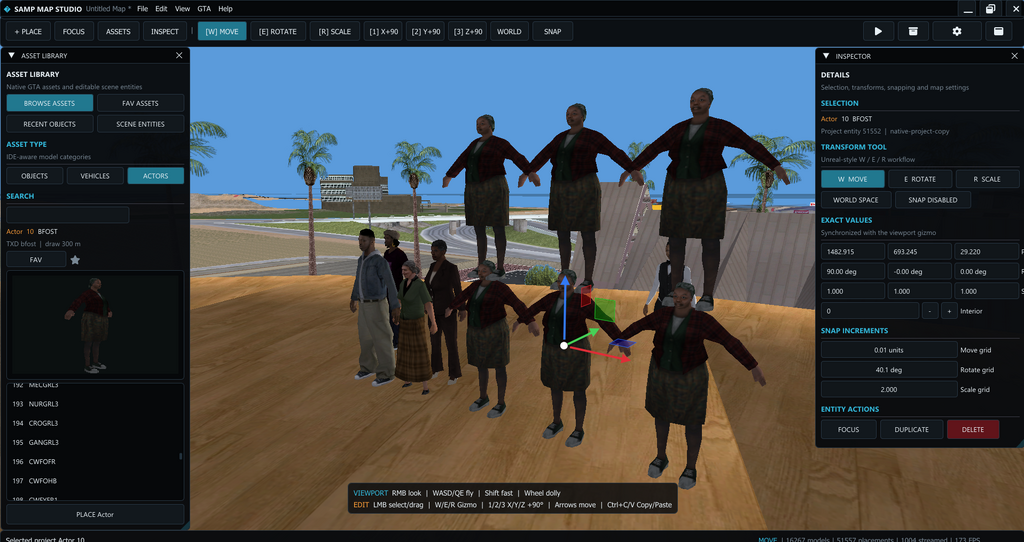
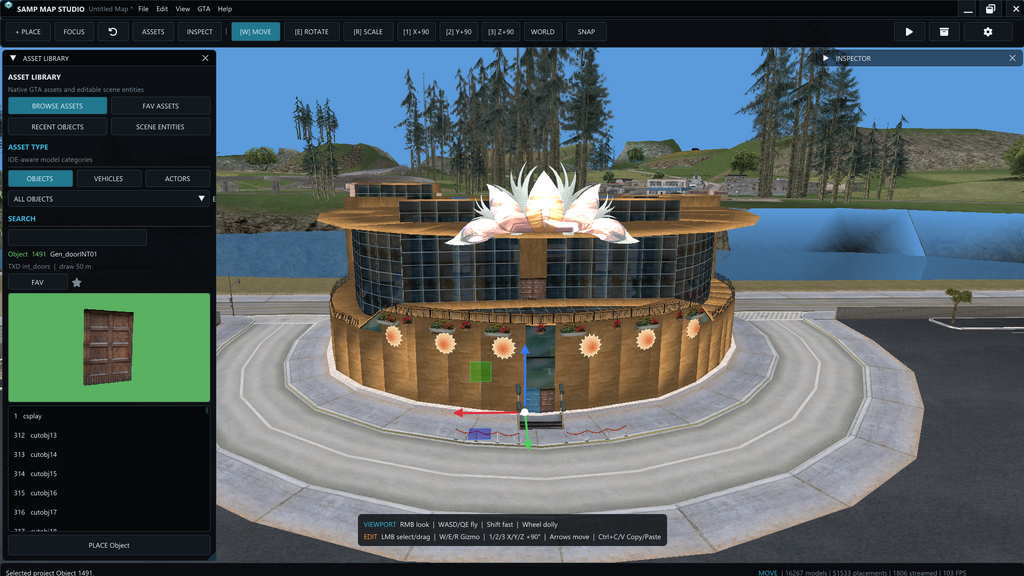
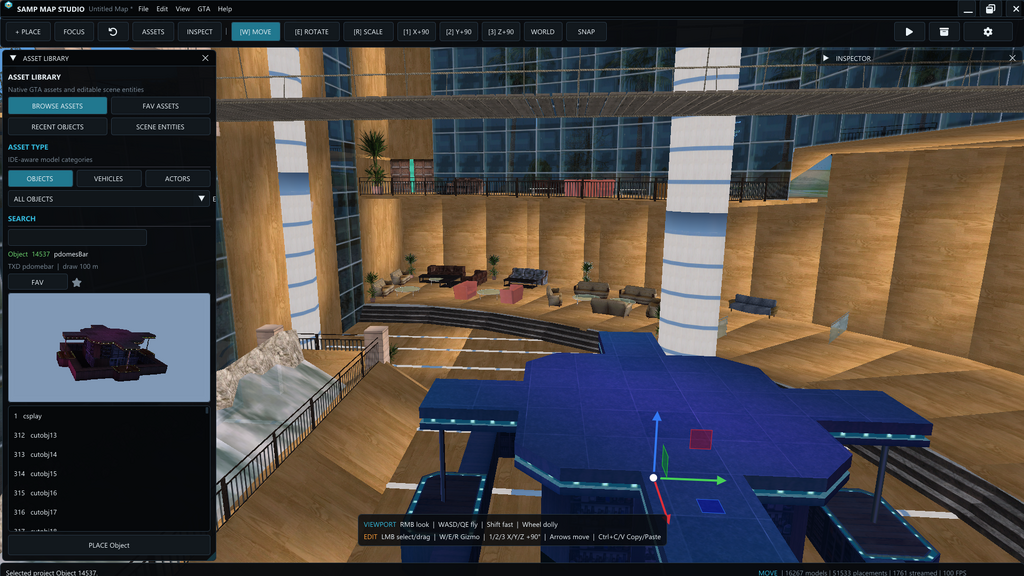
You can drag & drop an object from panel preview into mapping scene
(Hold)LCTRL + (Click)Left Mouse Button on multiple objects to select them all at once
CTRL + Z / Y - undo
CTRL + S - save
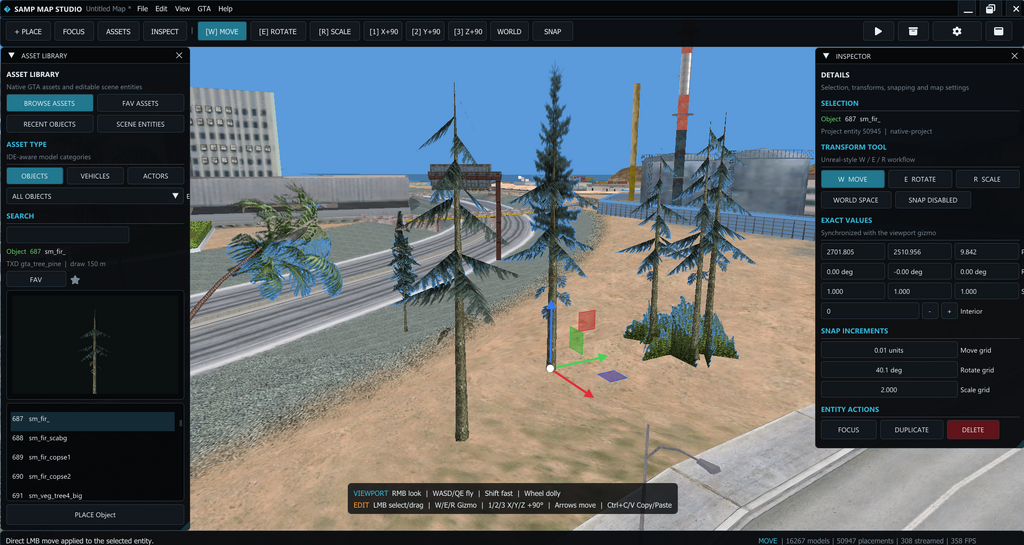
Delete - delete selected object
W / A / S / /D + LSHIFT - faster camera movement (speed can be adjusted in settings)
Use W / E / R - on selected object to switch between different control gizmos
CTRL + C - CTRL + V copy / paste object
F8 - scene screenshot (saves on desktop)
F2 - hide UI panels
F11 - Fullscreen mode
Use 'SCENE ENTITIES' to teleport to previously spawned objects around mapping scene
Select any object on the map and use hotkey 'Delete'
If you have ever used some type of map editor or some game engine well this one works the same expect UI might look different from what you used so there is nothing much to write about or explain all the guide you need for the hotkeys is located in "Help" menu you need max 3 to 5 min to find your way around it...
After app launches you will have to first load you gta sa folder path and click on LOAD button for map scene to appear I'm writing this part because some users could not figure out how to load their map scene although everything was displayed in front of their eyes
Use Settings menu to adjust your objects streaming and other performance demanding stuff although I've tested it on 10y old system with i5 and it gets around 200 fps with default settings and that is with intergraded intel gpu