San Andreas / Skins / Other skins & skin packs
Play as Hatsune Miku
- grovestreet4lyfe | uploaded by henrygaminstickmin
- 01/25/2025
- 11109 Downloads
Ratings:
Please sign in first.
Favorites:
Videos

You need to be signed in to add videos to this mod.
Description
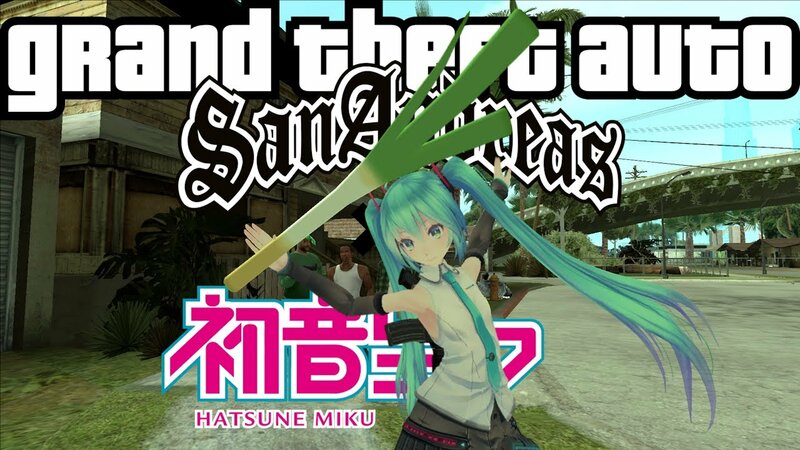
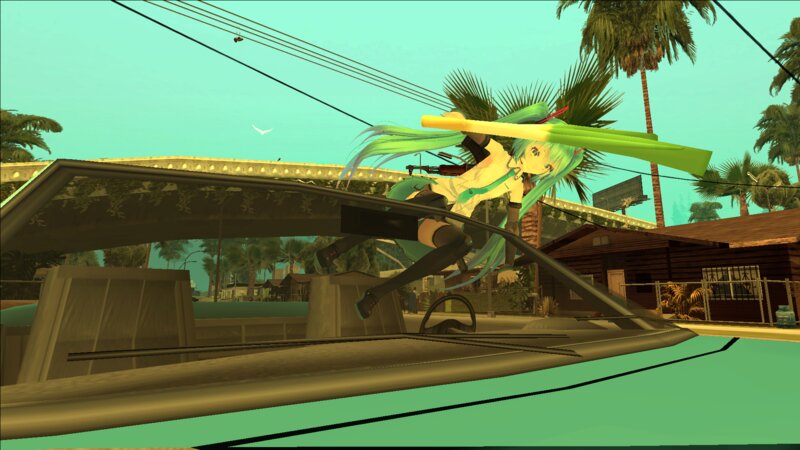
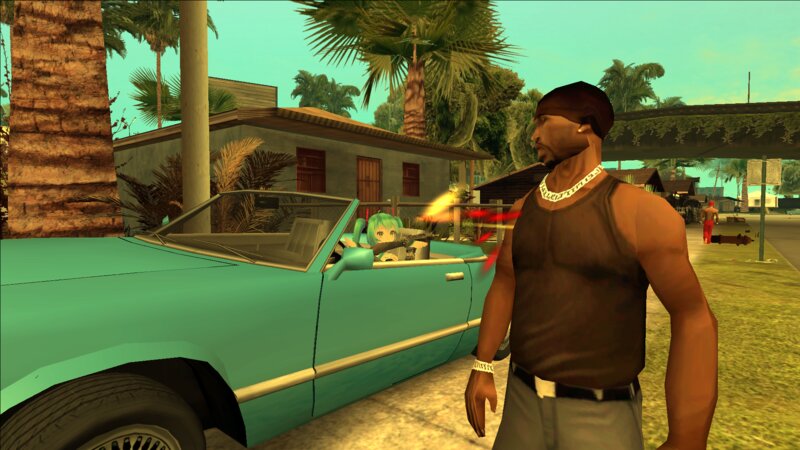
A crossover mod between "Grand Theft Auto: San Andreas" and "VOCALOID" - letting you play as Hatsune Miku in the world of San Andreas
Features
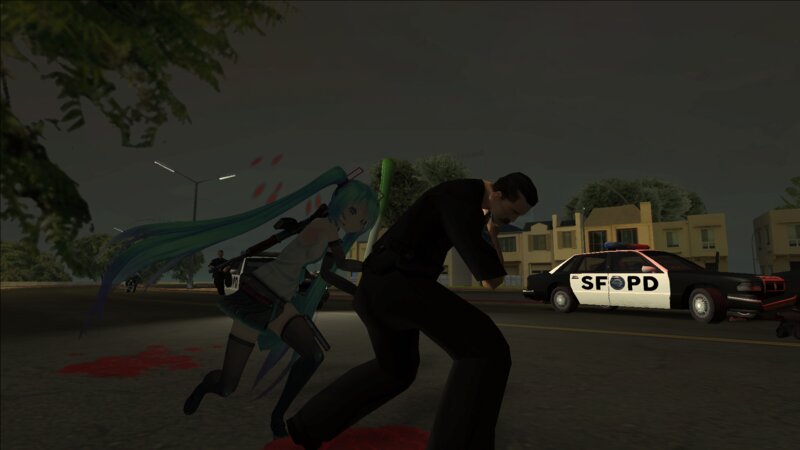
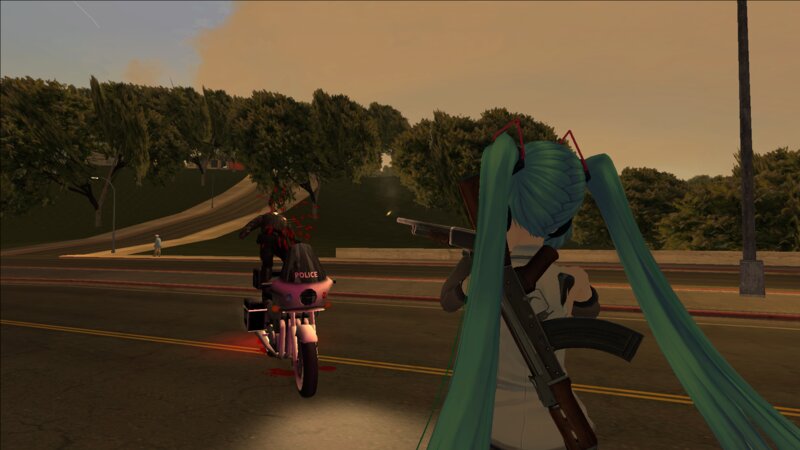
-Miku over CJ, replacing the in-game and cutscene models
-Miku's voice (partially) instead of CJ's voice (control the voice volume by holding the backslash key)
-Leek over Katana
-Throwable Leek
-New Idle Animations (straight from Vice City)
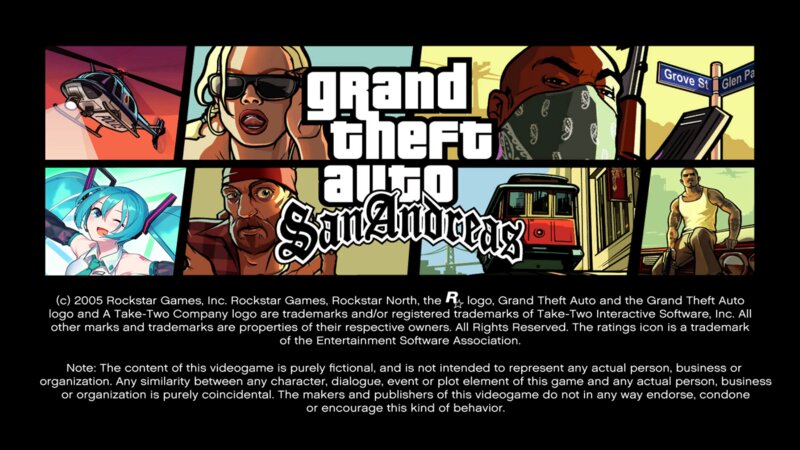
-New Title/Menu Screens
-New Loading Screen
-Teto and Neru added (replacing Denise and Katie respectively)
-Ievan Polkka Dance added (type "ievan" in-game to do so)
-Subtitles changed (CJ's name replaced with Miku's)
-Fist icon replaced
-Candy Suxxx sign replaced with a Miku sign
------------------------------------------------------------------------------------------------------------------------------
How to throw the leek?
Hold the Aim key and press the Sprint key (compatible with gamepad if GInput is installed)
------------------------------------------------------------------------------------------------------------------------------
Installation Instructions
Drag n' drop the "modloader" folder in the game directory
Features
-Miku over CJ, replacing the in-game and cutscene models
-Miku's voice (partially) instead of CJ's voice (control the voice volume by holding the backslash key)
-Leek over Katana
-Throwable Leek
-New Idle Animations (straight from Vice City)
-New Title/Menu Screens
-New Loading Screen
-Teto and Neru added (replacing Denise and Katie respectively)
-Ievan Polkka Dance added (type "ievan" in-game to do so)
-Subtitles changed (CJ's name replaced with Miku's)
-Fist icon replaced
-Candy Suxxx sign replaced with a Miku sign
------------------------------------------------------------------------------------------------------------------------------
How to throw the leek?
Hold the Aim key and press the Sprint key (compatible with gamepad if GInput is installed)
------------------------------------------------------------------------------------------------------------------------------
Installation Instructions
Drag n' drop the "modloader" folder in the game directory
Comments
There are 12 comments posted yet.

03/19/2025 13:23
hey there, i just downloaded the mod and it is perfect. but i have a problem, you see, whenever the game tries to play any effects from miku it just crashes right there and the effects dont play. i need some help to actually fix this and make it a lot better otherwise miku is completely silent
Quote | Reply
hey there, i just downloaded the mod and it is perfect. but i have a problem, you see, whenever the game tries to play any effects from miku it just crashes right there and the effects dont play. i need some help to actually fix this and make it a lot better otherwise miku is completely silent
Quote | Reply

03/13/2025 12:22
I only have a temporary fix for that ngl, but it'll require Cheat Menu by Grinch_
Place the files in the game directory, open the game, close it, you'll discover a folder called "CustomSkinsLoader" inside modloader, look for the Miku model from this mod, and place those files inside the CustomSkinsLoader folder, but rename the files to something like "miku.dff" and "miku.txd"
To use the skin in-game, open the Cheat Menu using Ctrl+M, go to "Player" -> "Custom skins" and load the Miku model
Quote | Reply
Quote: Jamsik
Hi! I have clean legacy GTA SA, installed cleo with ultimate loader and modloader, dropped miku mod, but also got deformed cj, while ui, sounds changed
Then I found modded gta with fixes(Mobile Characters/GUI,Prelight fxies,ps2 features), but still installing this mod and still deformed cj. What I'm doing wrong?
I only have a temporary fix for that ngl, but it'll require Cheat Menu by Grinch_
Place the files in the game directory, open the game, close it, you'll discover a folder called "CustomSkinsLoader" inside modloader, look for the Miku model from this mod, and place those files inside the CustomSkinsLoader folder, but rename the files to something like "miku.dff" and "miku.txd"
To use the skin in-game, open the Cheat Menu using Ctrl+M, go to "Player" -> "Custom skins" and load the Miku model
Quote | Reply
03/11/2025 05:29
Hi! I have clean legacy GTA SA, installed cleo with ultimate loader and modloader, dropped miku mod, but also got deformed cj, while ui, sounds changed
Then I found modded gta with fixes(Mobile Characters/GUI,Prelight fxies,ps2 features), but still installing this mod and still deformed cj. What I'm doing wrong?
Quote | Reply
Hi! I have clean legacy GTA SA, installed cleo with ultimate loader and modloader, dropped miku mod, but also got deformed cj, while ui, sounds changed
Then I found modded gta with fixes(Mobile Characters/GUI,Prelight fxies,ps2 features), but still installing this mod and still deformed cj. What I'm doing wrong?
Quote | Reply

 (either because i have enhanced plus modpack or smth else)