San Andreas / Mods / CLEO Modifications
JUNK CAR FOR GTA SA PC & Android
- DiezMod97 | uploaded by adiezmod97
- m.youtube.com/@DiezMod97
- 10/02/2026
- 28 Downloads
Ratings:
Please sign in first.
Favorites:
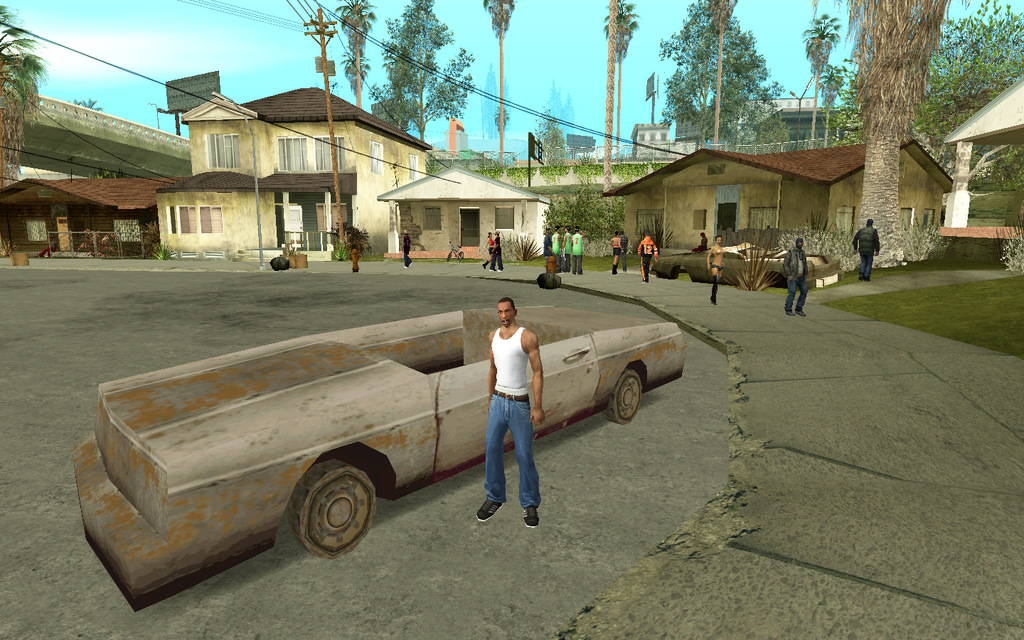
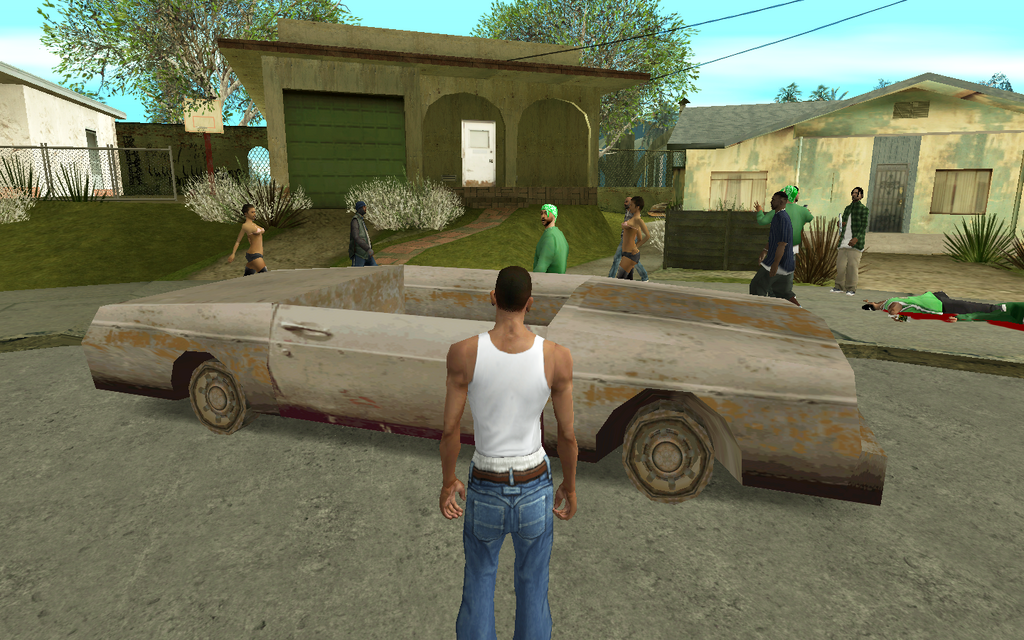
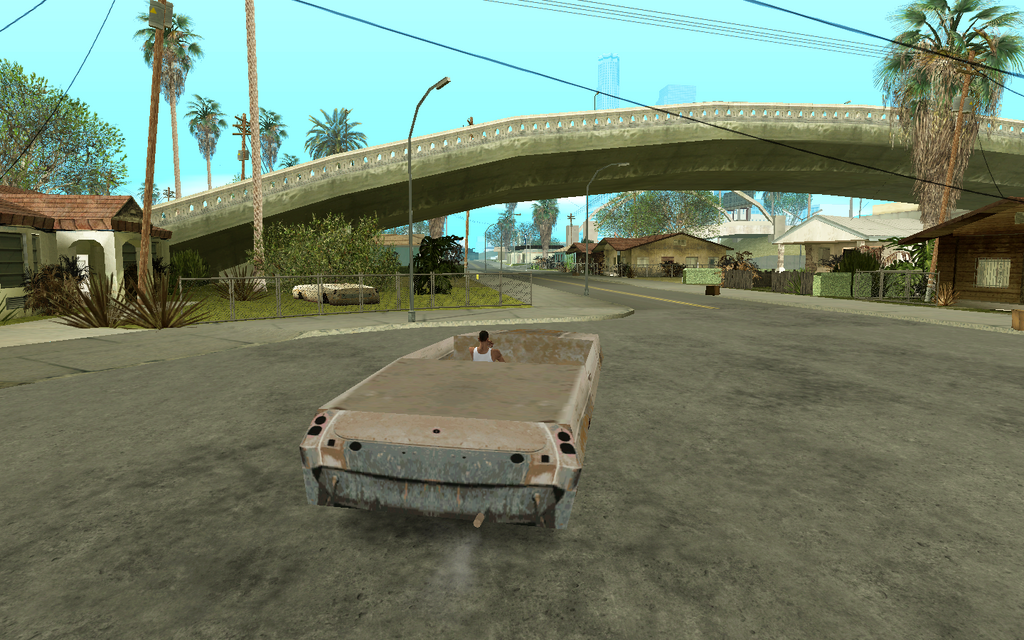
Videos

You need to be signed in to add videos to this mod.
Description
MOD FOR GTA SA PC and Android:
HOW TO INSTALL MOD:
FOR GTA SA Android:
0. GTA IMG TOOL & TXD TOOL.
FOR GTA SA PC:
1. Folder (JUNK CAR) to folder Modloader GTA SA.
2. Requires Cleo+ 1.2.0 (or higher) version is required.
ABOUT MOD FOR GTA SA PC:
You must first change the vehicle model name in the folder:
(modloader\JUNK CAR\gta3\renamecar.dff and renamecar.txd)
For example, if you want to change the JUNK CAR into the GREENWOO car:
Rename the files (greenwoo.dff and greenwoo.txd) You can change vehicle names in GTA SA however you like, provided you do not modify motorcycles or bicycles; doing so will cause a crash.
In the mod folder cleo (Junkcar.cs and Junkcar.ini), the effects apply only to the vehicle itself
if you drive the "Junk Car, it becomes invulnerable and possesses immense power.
However, you must first change the vehicle ID number in the (Junkcar.ini) file.
> MODEL=492 # Change the MODEL ID number to match the vehicle name. (GREENWOO.DFF ID Number: 492)
- CS Script Mods By. DiezMod97
Happy Enjoy :)
YouTube: https://m.youtube.com/@DiezMod97
Comments
There are 0 comments posted yet.