San Andreas / Mods / CLEO Modifications
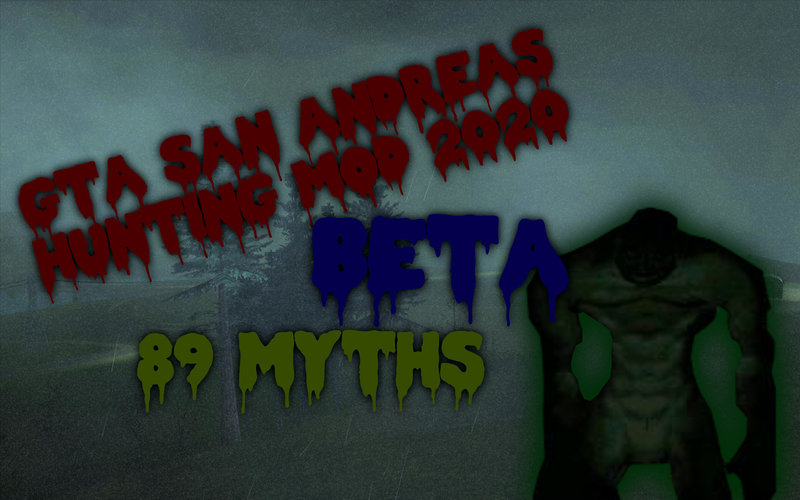
GTA SA Hunting Mod 2020 (BETA V2)
- Fiven | uploaded by Fiven
- 06/28/2020
- 23616 Downloads
Ratings:
Please sign in first.
Favorites:
Videos
No videos added yet.You need to be signed in to add videos to this mod.
Description
Welcome to the BETA version of the mod!
It contains:
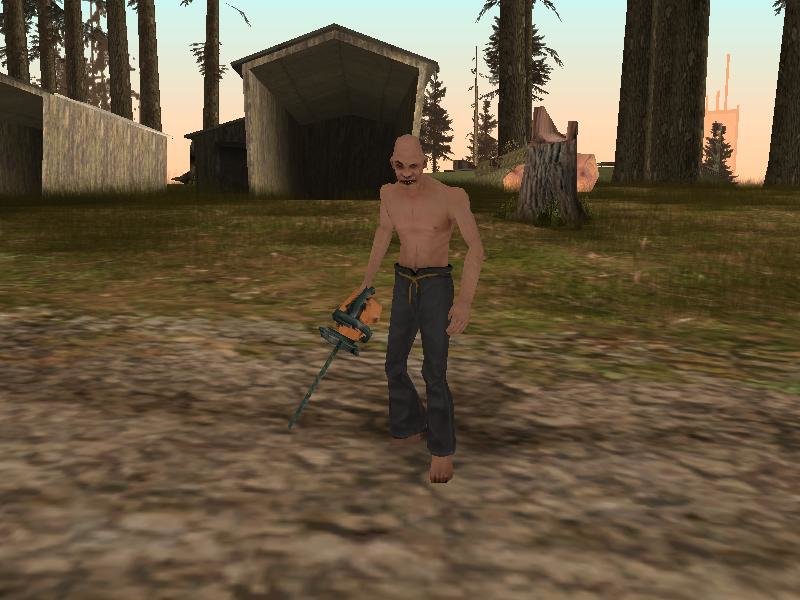
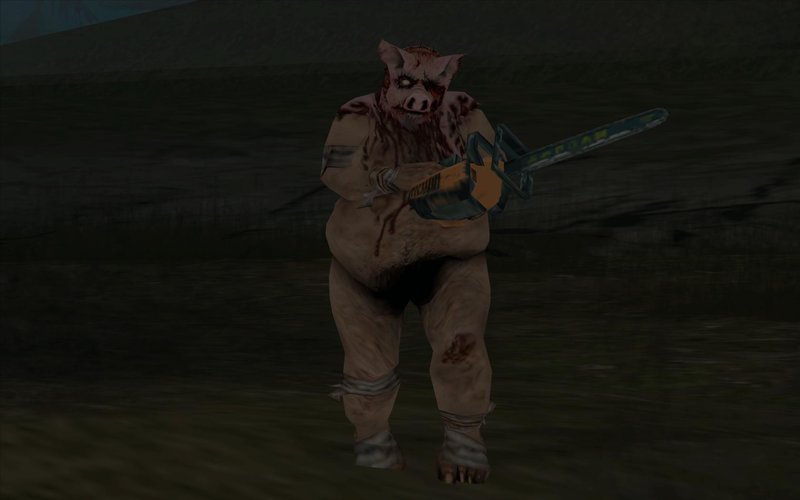
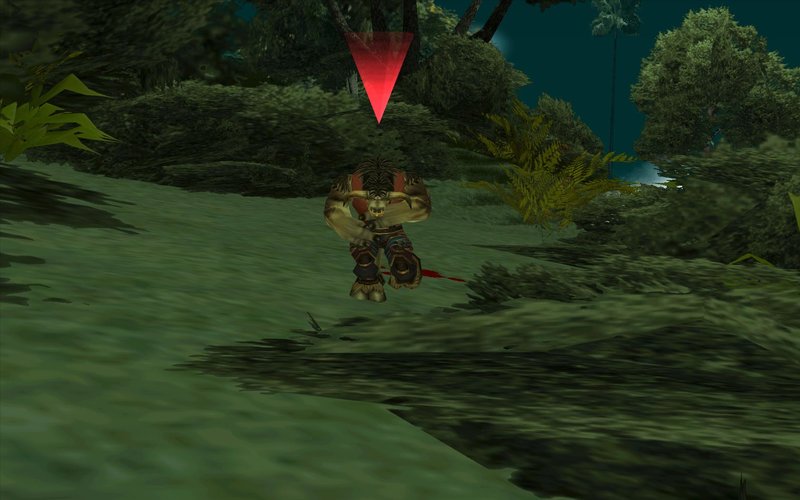
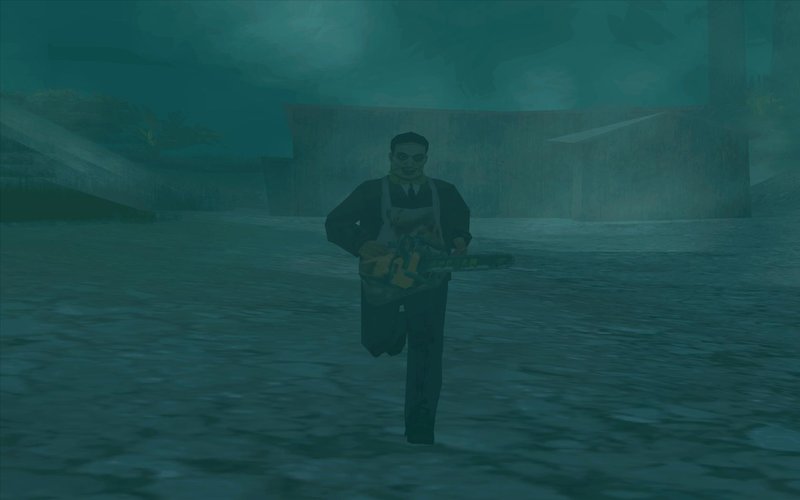
-89 Myths
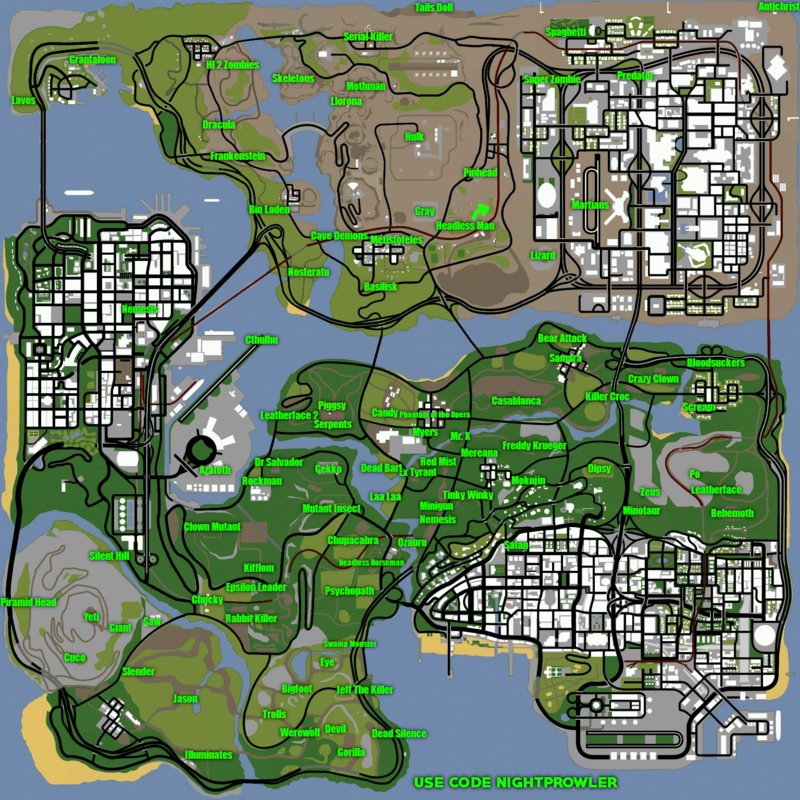
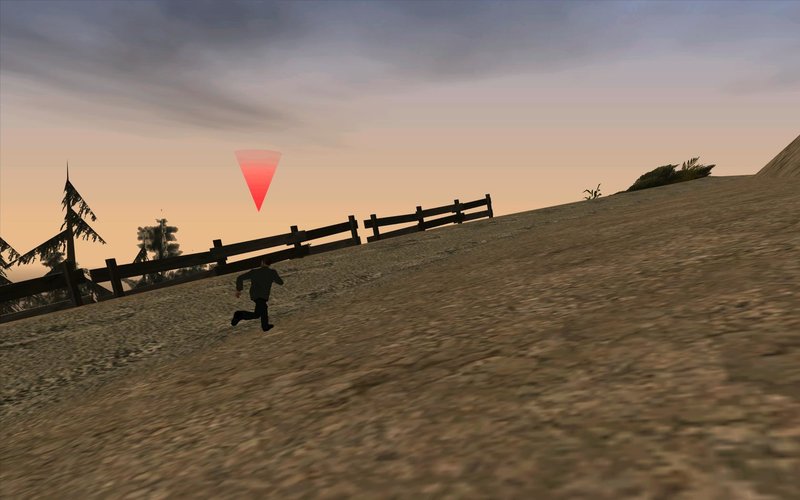
-Location map
-Good built mods
And even more!
---HOW TO INSTALL!---
You need CLEO4 installed in your game to install my mod
1.Put all .cs files from CLEO to "cleo" folder located in your game folder
2.Put all .fxt files from "cleo_text" to the cleo_text folder located in your game folder
3.Put "Themes" in cleo folder located in your game folder
4.Open your IMG Editor (IMG Tool, Alci's IMG Editor etc.)
5.Open gta3 located in "models" in your game folder
6.Add (Import) all .dff's and .txd's
7.Replace (Or Import (remove if exists) in Alci's IMG Editor) all the .dff's and txd's with the ones that i gave you in "Replace in gta3"
7.Click Rebuild Archive (IMG Tool) or Save (Alci's IMG Editor)
8.Close the IMG Editor
-------------------------------------
Have fun!
It contains:
-89 Myths
-Location map
-Good built mods
And even more!
---HOW TO INSTALL!---
You need CLEO4 installed in your game to install my mod
1.Put all .cs files from CLEO to "cleo" folder located in your game folder
2.Put all .fxt files from "cleo_text" to the cleo_text folder located in your game folder
3.Put "Themes" in cleo folder located in your game folder
4.Open your IMG Editor (IMG Tool, Alci's IMG Editor etc.)
5.Open gta3 located in "models" in your game folder
6.Add (Import) all .dff's and .txd's
7.Replace (Or Import (remove if exists) in Alci's IMG Editor) all the .dff's and txd's with the ones that i gave you in "Replace in gta3"
7.Click Rebuild Archive (IMG Tool) or Save (Alci's IMG Editor)
8.Close the IMG Editor
-------------------------------------
Have fun!
Comments
There are 14 comments posted yet.