San Andreas / Maps / Racetrack
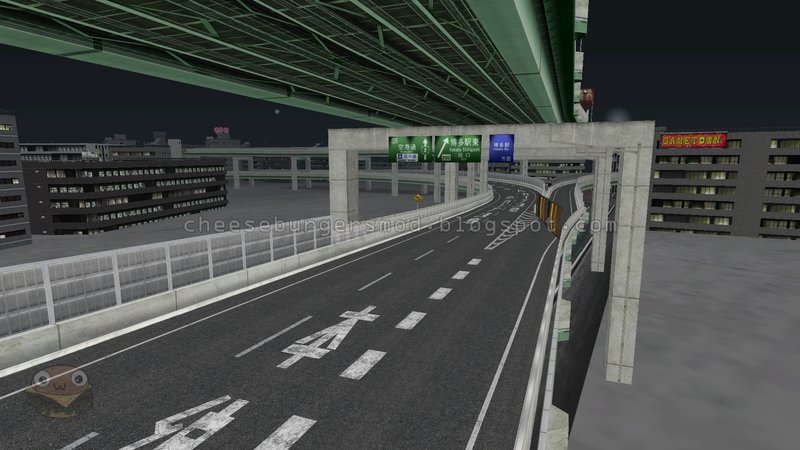
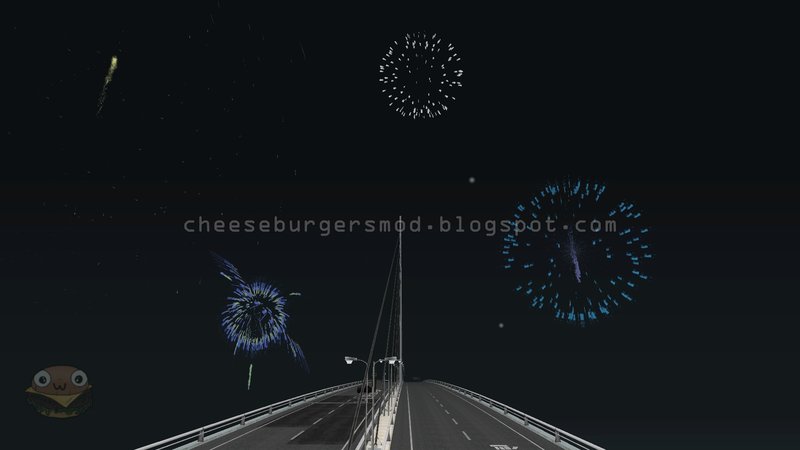
Fukuoka Urban Expressway (Single Player)
- cheeseburger / highwaywarrior | uploaded by cheeseburger
- cheeseburgersmod.blogspot.com/
- 10/07/2021
- 21336 Downloads
Ratings:
Please sign in first.
Favorites:
Videos
No videos added yet.You need to be signed in to add videos to this mod.
Description
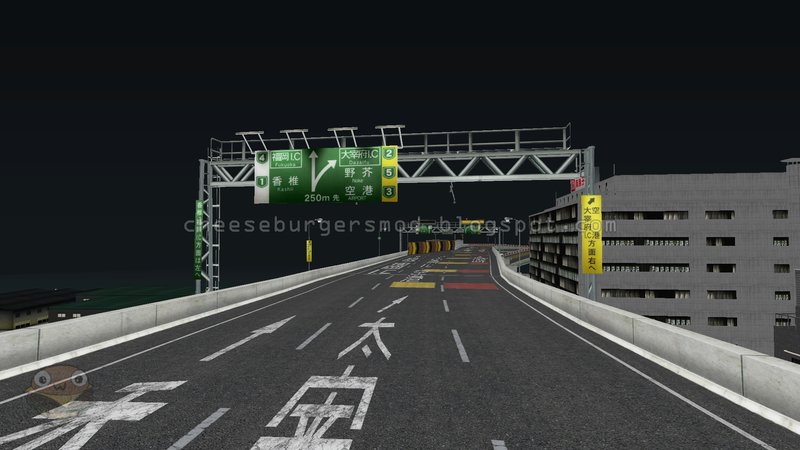
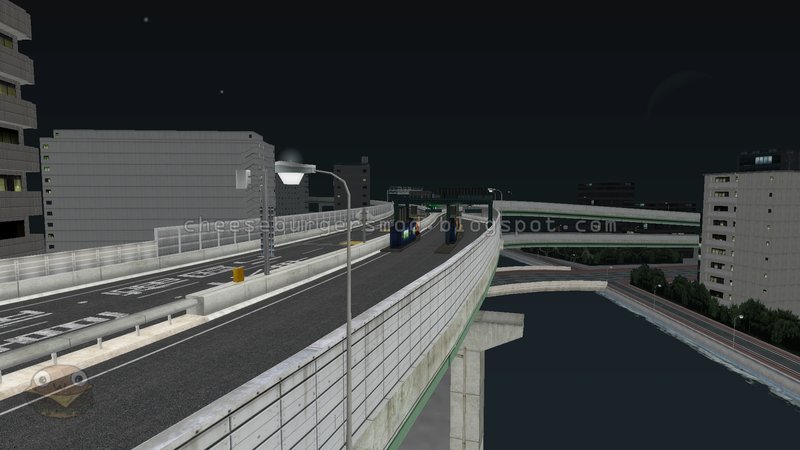
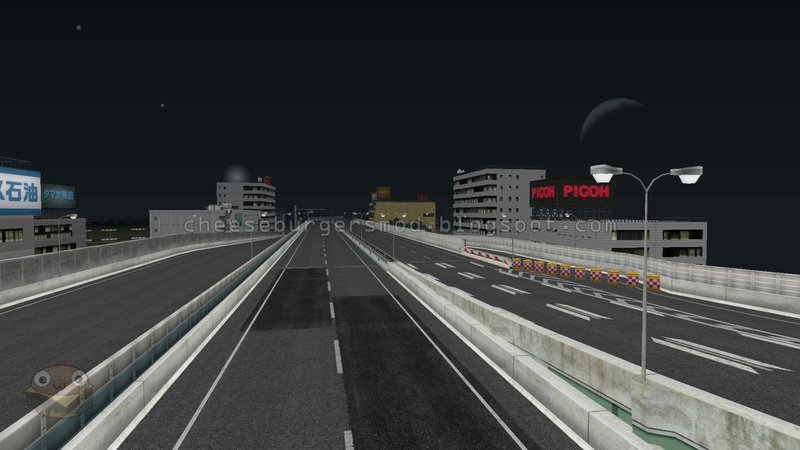
Fukuoka Urban Expressway
Credits:
cheeseburger - Converted to Single Player
Bandai Namco Entertainment - Models & Textures
highwaywarrior - Converted to MTA SA
To teleport into the map, just type "FUKUOKA".
Requires:
- CLEO Library
- Open Limit Adjuster
- Modloader
Comments
There are 27 comments posted yet.








12/27/2021 12:56
I'm using SADX 3.0 and it just black, only the vehicle had the lights worked.
Quote | Reply | (0)
well, it doesn't work for me, probably because of the ENB.Quote: cheeseburger
@Karambia-WorkShop On those screenshots below, it was captured in night time, so as you can see it's bright. And also the lights don't work at all like it doesn't have 2DFX lights. So, it's still acceptable
I'm using SADX 3.0 and it just black, only the vehicle had the lights worked.
Quote | Reply | (0)





10/11/2021 11:26
@cheeseburger Okay update on situation. Tried loading the map on foot and it didn't work (textures stilll weren't there). After that i've opened txd file and changed compression level of road textures from DXT5 to DXT1, since none of them have transparency anyways. Then I went back into game, and only after modifying compression levels did your method work. After that i've loaded the map trough your way and the map stays loaded as long as the game is running. Same method for Fukuoka and Nagoya. So yeah, I guess it's all fine now. :)
Quote | Reply | (1)