San Andreas / Android/iOS / Cars
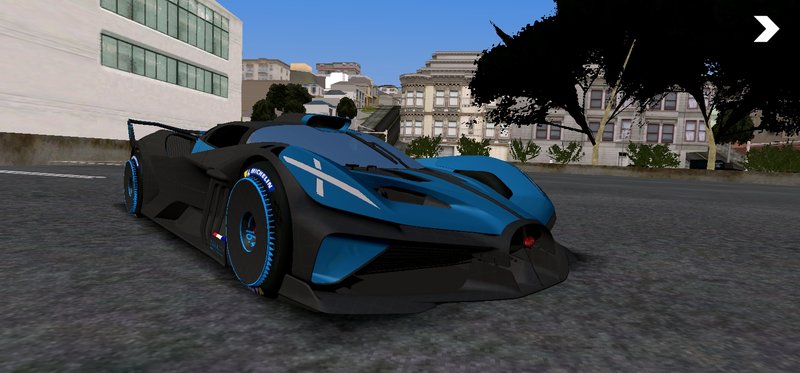
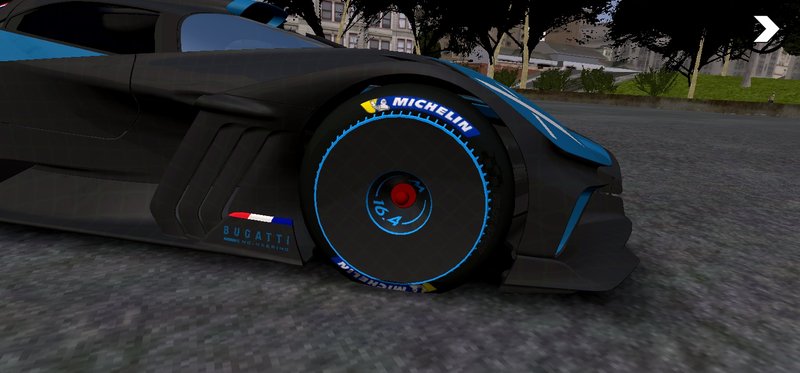
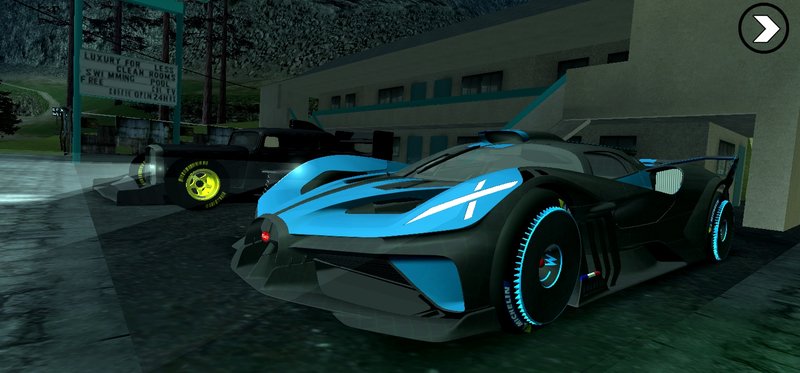
Bugatti Bolide 2024 V2 for Mobile
- OneeSama | uploaded by OneeSama
- rosemodification.blogspot.com
- 12/02/2020
- 47800 Downloads
Ratings:
Please sign in first.
Favorites:
Videos

You need to be signed in to add videos to this mod.
Description
Thx to ReGaL69 that teach me how to fix can't spawn/FC when spawn and cleo goes blank
Changelog:
- Scale
- Fix
RE-EDIT? ONLY FOR TRUSTED FRIENDS
Changelog:
- Scale
- Fix
RE-EDIT? ONLY FOR TRUSTED FRIENDS
Comments
There are 22 comments posted yet.



12/16/2020 08:27
@CrimsonTrailIX lol.. all you need to do is just import it (your choice if it with alpha or uncompressed), after you do that, Select Create Sibling, enter dff name (example: your dff is infernus, then you need you add the name on that), checklist the "Correct Capital Letter in Name", done..
Quote | Reply
@CrimsonTrailIX lol.. all you need to do is just import it (your choice if it with alpha or uncompressed), after you do that, Select Create Sibling, enter dff name (example: your dff is infernus, then you need you add the name on that), checklist the "Correct Capital Letter in Name", done..
Quote | Reply
12/16/2020 02:52
I found a Fix already. Instead of choosing "with alpha" and "without alpha" in the txd tool. I chose "uncompressed with Alpha" and "uncompressed without alpha." also try unchecking the "check raster hash" and "Reduce *something*" option.
I imported it as a Euros.dff to make it rarer and not appear in the roads cause I feel like if this car is on the road my Game will crash since this car is kinda heavy on my processor and I don't have a High end device.
Thanks @OneeSama for this Great car.
Quote | Reply
I found a Fix already. Instead of choosing "with alpha" and "without alpha" in the txd tool. I chose "uncompressed with Alpha" and "uncompressed without alpha." also try unchecking the "check raster hash" and "Reduce *something*" option.
I imported it as a Euros.dff to make it rarer and not appear in the roads cause I feel like if this car is on the road my Game will crash since this car is kinda heavy on my processor and I don't have a High end device.
Thanks @OneeSama for this Great car.
Quote | Reply
12/15/2020 02:34
@MESHBAHSAKIB2007 watch the video. thats from other modder. for some reason i locked it both zm2 & dfflocker. Import all texture with the same way as the image told you (make sure you put dff name "infernus" because if you not put the name, the texture is just an image)
Quote | Reply
@MESHBAHSAKIB2007 watch the video. thats from other modder. for some reason i locked it both zm2 & dfflocker. Import all texture with the same way as the image told you (make sure you put dff name "infernus" because if you not put the name, the texture is just an image)
Quote | Reply


 all my friends have no problem with texture.. maybe you need to check all texture name on TXD Tool.




 Если конечно не сложно