GTA V / Skins / New look / model
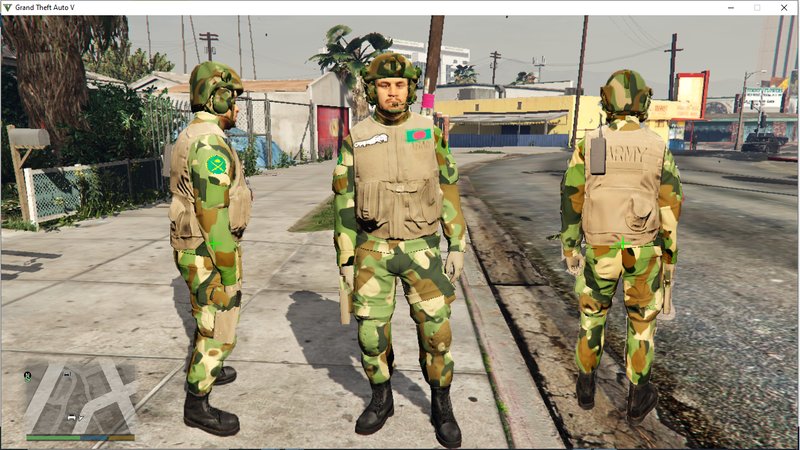
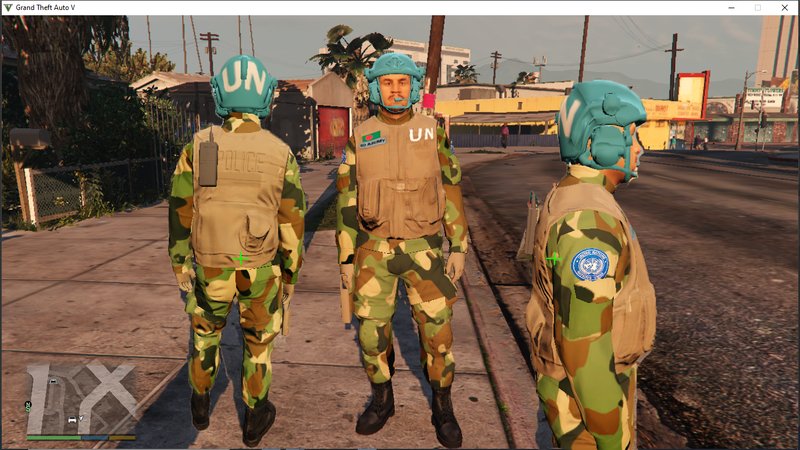
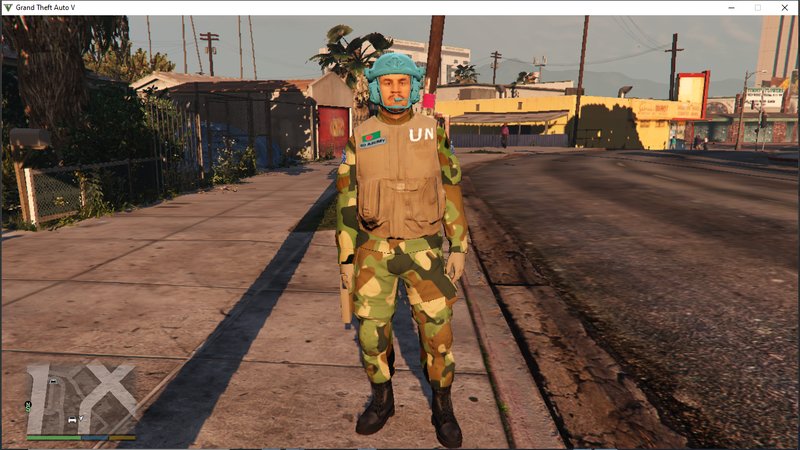
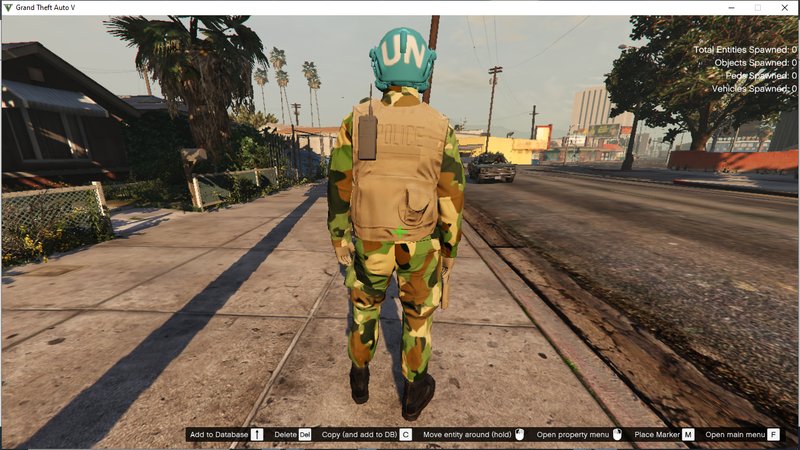
Bangladesh Army Combat Ped Add-On
- Shaon Majumder | uploaded by Shaon
- facebook.com/shaon.majumder/
- 07/31/2021
- 3682 Downloads
Ratings:
Please sign in first.
Favorites:
Download
16.92Mb
16.92Mb
Videos
No videos added yet.You need to be signed in to add videos to this mod.
Description
Thanks For Downloading
Requisite -
Addonpeds - https://www.gta5-mods.com/scripts/addonpeds-asi-pedselector
Tutorial -
Installation -
1. Open Open IV and
2. Go to AddonPeds Foler [Grand Theft Auto V Root Folder]\mods\update\x64\dlcpacks\addonpeds\dlc.rpf\peds.rpf\
3. Enable Edit mode.
4. drag and drop the files to the folder from bd_army_combat_ped of the archieve
Go to GTA V root folder in File Explorer.
Run "AddonPeds Editor.exe" as Administrator
Go to top menu, Peds > New Ped
Fill up the form with
Model Name : bd_army_01
Ped Type : Male
Is Streamed : False
Click "Add Ped" Button
Select bd_army_01 From List
Go to top menu, Peds > Edit Ped
Select
Decision Maker Name: Cop
Personality : Merryweather
Combat Info : Army
Click "Edit Ped" Button
Go to top menu, Click REBUILD
Now to run the Game.
Open Addon Peds Menu by pressing "L"
Then , Addon Ped , press Enter.
Select bd_army_01 from the list by enter
You will see the bd army.
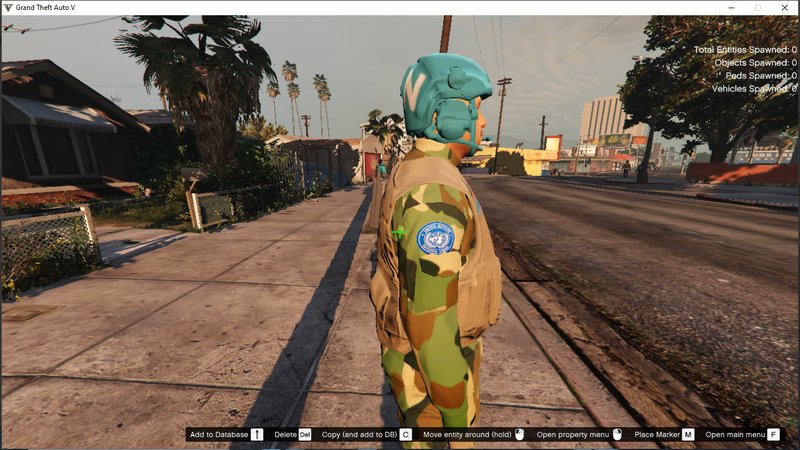
To get UN ARMY. Go to menyoo trainer or simple v trainer. Change in wadrobe options.
Requisite -
Addonpeds - https://www.gta5-mods.com/scripts/addonpeds-asi-pedselector
Tutorial -
Installation -
1. Open Open IV and
2. Go to AddonPeds Foler [Grand Theft Auto V Root Folder]\mods\update\x64\dlcpacks\addonpeds\dlc.rpf\peds.rpf\
3. Enable Edit mode.
4. drag and drop the files to the folder from bd_army_combat_ped of the archieve
Go to GTA V root folder in File Explorer.
Run "AddonPeds Editor.exe" as Administrator
Go to top menu, Peds > New Ped
Fill up the form with
Model Name : bd_army_01
Ped Type : Male
Is Streamed : False
Click "Add Ped" Button
Select bd_army_01 From List
Go to top menu, Peds > Edit Ped
Select
Decision Maker Name: Cop
Personality : Merryweather
Combat Info : Army
Click "Edit Ped" Button
Go to top menu, Click REBUILD
Now to run the Game.
Open Addon Peds Menu by pressing "L"
Then , Addon Ped , press Enter.
Select bd_army_01 from the list by enter
You will see the bd army.
To get UN ARMY. Go to menyoo trainer or simple v trainer. Change in wadrobe options.
Comments
There are 0 comments posted yet.