GTA V / Other / Various
Config Lag GTA V - Intel HD 4600 iGPU
- Rocket5847 | uploaded by Rocket5847
- 04/29/2026
- 711 Downloads
Ratings:
Please sign in first.
Favorites:
Download
960.02Kb
960.02Kb
Videos
No videos added yet.You need to be signed in to add videos to this mod.
Description
Config Lag GTA 5 - Intel HD 4600 iGPU
Tested on:
CPU: Intel Core i5-4460S
GPU: Intel HD Graphics 4600 (iGPU)
RAM: 8GB DDR3 1600MHz Dual Channel
OS: Windows 10 64-bit
Resolution: 800x600
#FPS Result
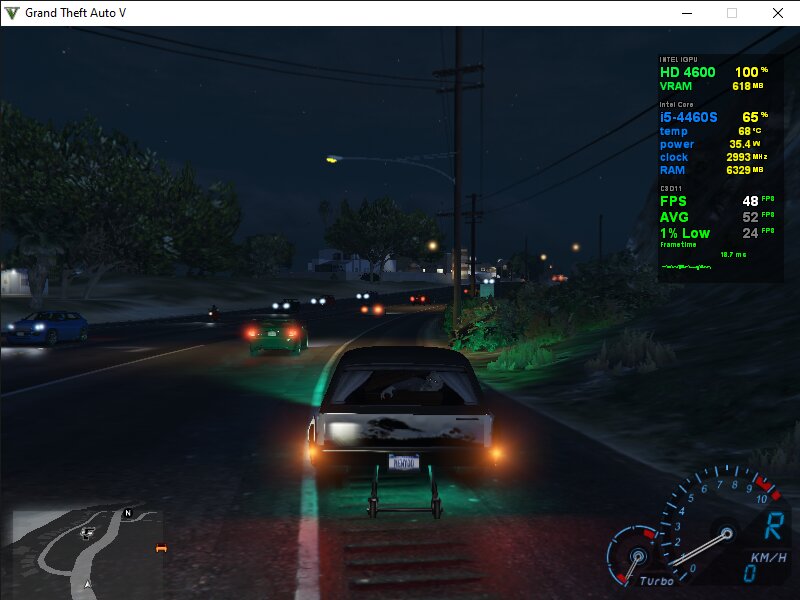
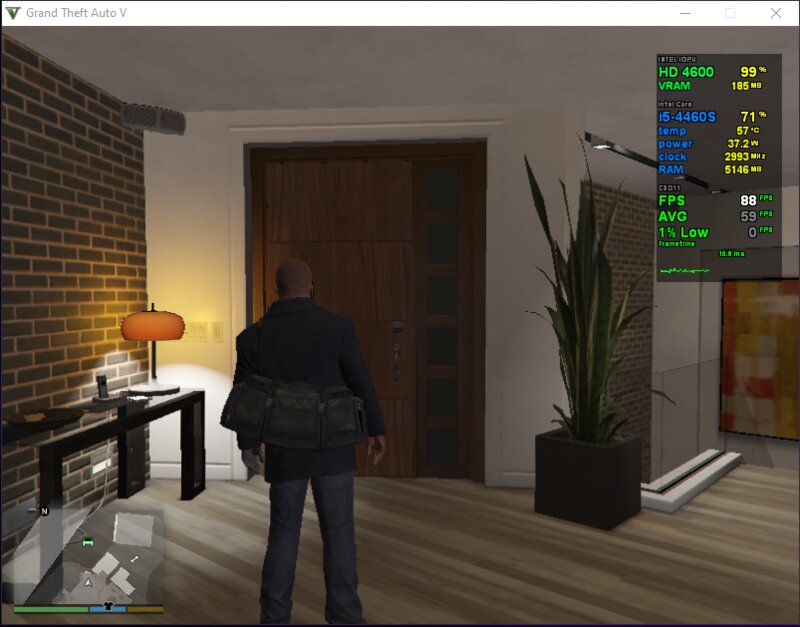
Max: 63-84 FPS (open area/bukit sepi)
Avg: 48-55 FPS (driving)
Min: 24-33 FPS (heavy scene/ramai objek)
#Installation
1. Copy folder "Rockstar Games" to:
Documents\
2. Right click settings.xml → Properties →
check Read-Only
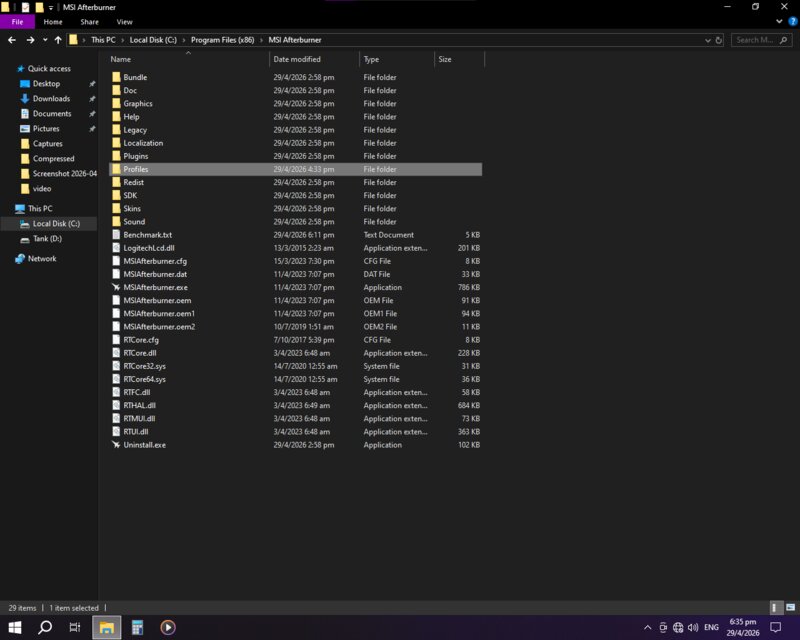
3. (Optional) Copy folder "for custom overlay MSI Afterburner" to:
C:\Program Files (x86)\MSI Afterburner\Profiles
#Key Settings Explained
- Negative VRAM trick (reduce VRAM usage drastically):
PedVarietyMultiplier = -75.9
VehicleVarietyMultiplier = -75.9
- LOD bias (reduce detail aggressively but safe):
PedLodBias = -0.4
VehicleLodBias = -0.4
- MaxLodScale = -0.3
(delay FPS drop when entering busy area,
forces distant objects to low-poly faster)
- All shadows disabled
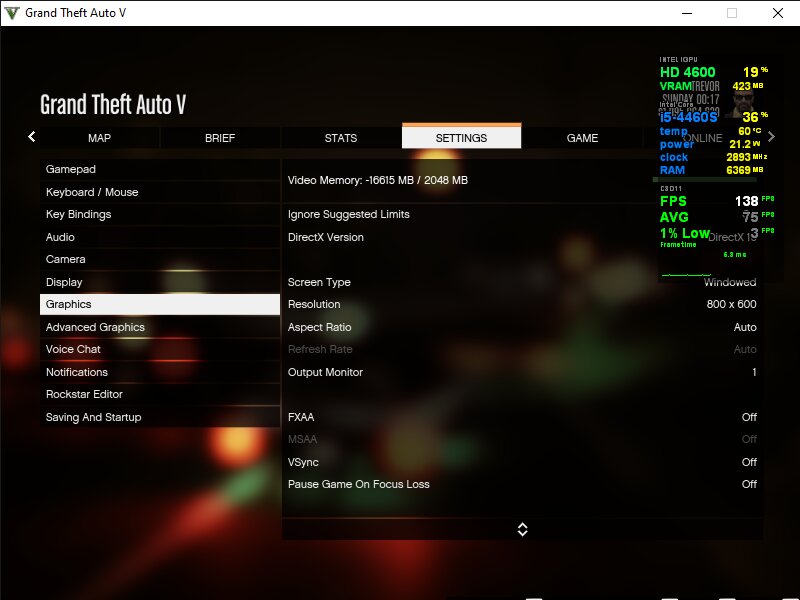
- VSync Off
- Resolution 800x600
- DirectX 10
#Note
- Do NOT set PedLodBias/VehicleLodBias below -0.6
(NPC rooftop & taillights will render late)
- Do NOT set below -1.0
(character blocky, cars disappear)
- Tested stable, no crash
Tested on:
CPU: Intel Core i5-4460S
GPU: Intel HD Graphics 4600 (iGPU)
RAM: 8GB DDR3 1600MHz Dual Channel
OS: Windows 10 64-bit
Resolution: 800x600
#FPS Result
Max: 63-84 FPS (open area/bukit sepi)
Avg: 48-55 FPS (driving)
Min: 24-33 FPS (heavy scene/ramai objek)
#Installation
1. Copy folder "Rockstar Games" to:
Documents\
2. Right click settings.xml → Properties →
check Read-Only
3. (Optional) Copy folder "for custom overlay MSI Afterburner" to:
C:\Program Files (x86)\MSI Afterburner\Profiles
#Key Settings Explained
- Negative VRAM trick (reduce VRAM usage drastically):
PedVarietyMultiplier = -75.9
VehicleVarietyMultiplier = -75.9
- LOD bias (reduce detail aggressively but safe):
PedLodBias = -0.4
VehicleLodBias = -0.4
- MaxLodScale = -0.3
(delay FPS drop when entering busy area,
forces distant objects to low-poly faster)
- All shadows disabled
- VSync Off
- Resolution 800x600
- DirectX 10
#Note
- Do NOT set PedLodBias/VehicleLodBias below -0.6
(NPC rooftop & taillights will render late)
- Do NOT set below -1.0
(character blocky, cars disappear)
- Tested stable, no crash
Comments have been disabled by the author.