GTA V / Cars / Mercedes Benz
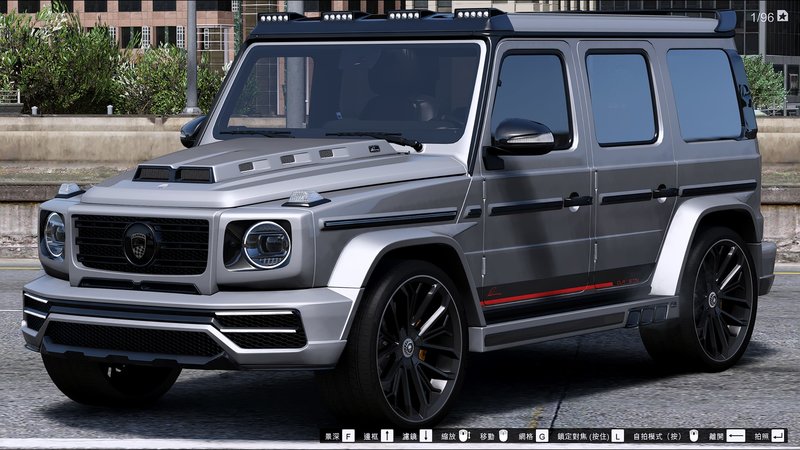
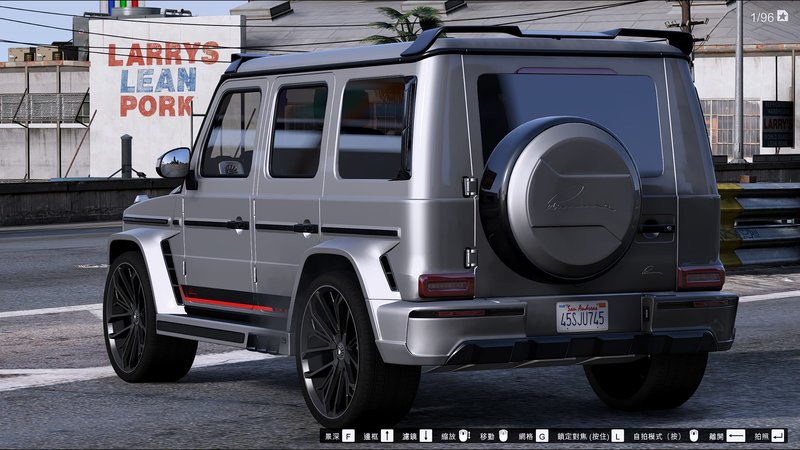
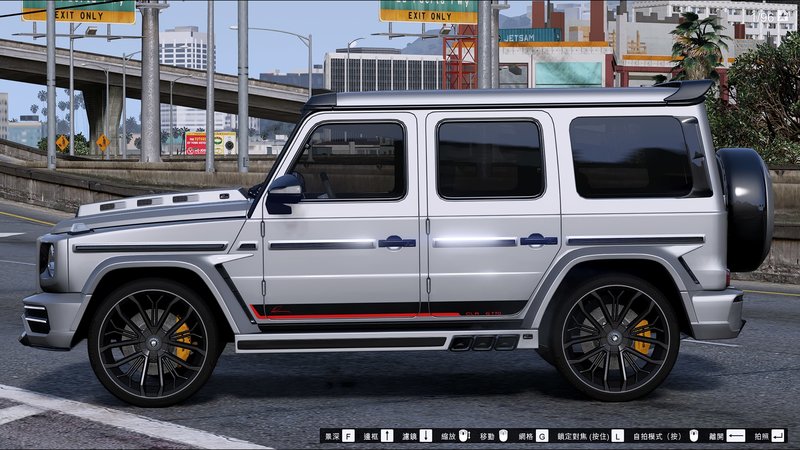
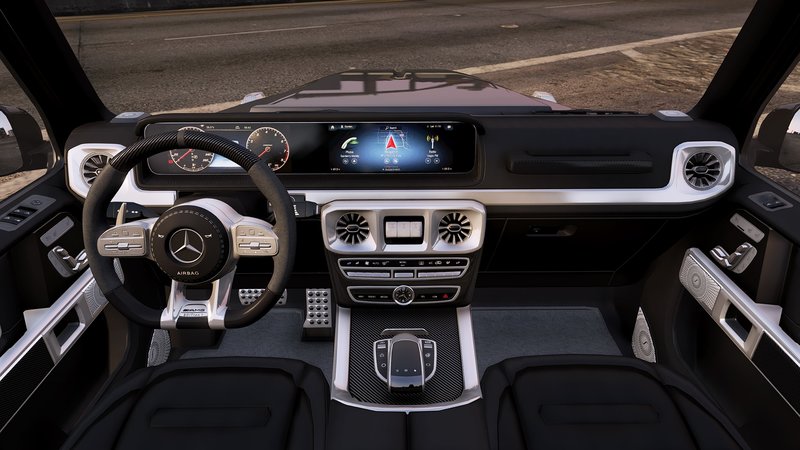
2019 Mercedes-Benz G63 AMG "Lumma G770"
- DazuMods | uploaded by DazuMods
- 10/20/2019
- 22722 Downloads
Ratings:
Please sign in first.
Favorites:
Videos

You need to be signed in to add videos to this mod.
Description
Installation:
[Editing the dlclist.xml]
1. Create a folder named "lummag770" in :\Grand Theft Auto V\mods\update\x64\dlcpacks
2. Open OpenIV and extract the "dlc.rpf" from the current archive to \Grand Theft Auto V\update\x64\dlcpacks
3. Add the following line:
dlcpacks:\lummag770\
4. Save the changes and copy the edited "dlclist.xml" back to: \Grand Theft Auto V\update\update.rpf\common\data
[Editing the extratitleupdatedata.meta]
5. Using OpenIV, go to: \Grand Theft Auto V\update\update.rpf\common\data — and extract the "extratitleupdatedata.meta" in some folder of your choice.
6. Add the following line:
dlc_lummag770:/update:/dlc_patch/lummag770/
7. Save the changes and copy the edited "extratitleupdatedata.meta" to: \Grand Theft Auto V\update\update.rpf\common\data
[Editing the dlclist.xml]
1. Create a folder named "lummag770" in :\Grand Theft Auto V\mods\update\x64\dlcpacks
2. Open OpenIV and extract the "dlc.rpf" from the current archive to \Grand Theft Auto V\update\x64\dlcpacks
3. Add the following line:
dlcpacks:\lummag770\
4. Save the changes and copy the edited "dlclist.xml" back to: \Grand Theft Auto V\update\update.rpf\common\data
[Editing the extratitleupdatedata.meta]
5. Using OpenIV, go to: \Grand Theft Auto V\update\update.rpf\common\data — and extract the "extratitleupdatedata.meta" in some folder of your choice.
6. Add the following line:
dlc_lummag770:/update:/dlc_patch/lummag770/
7. Save the changes and copy the edited "extratitleupdatedata.meta" to: \Grand Theft Auto V\update\update.rpf\common\data
Comments
There are 1 comments posted yet.