GTA V / Cars / Jeep
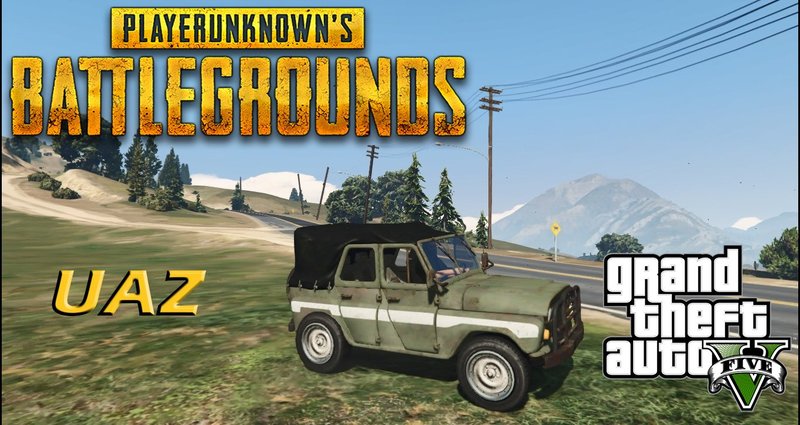
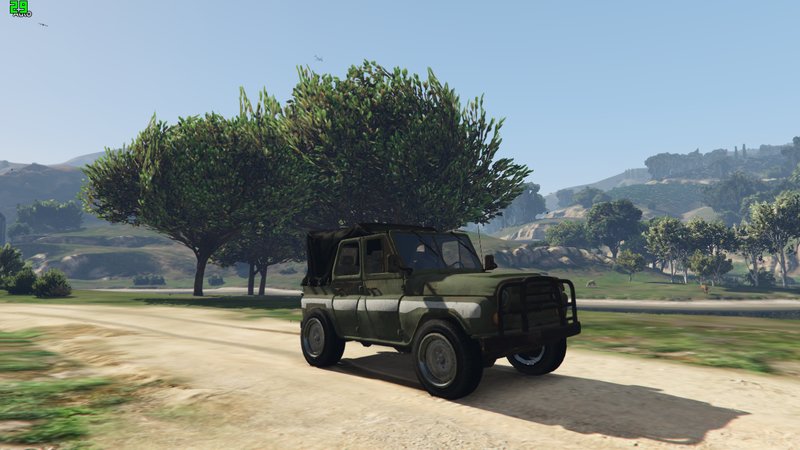
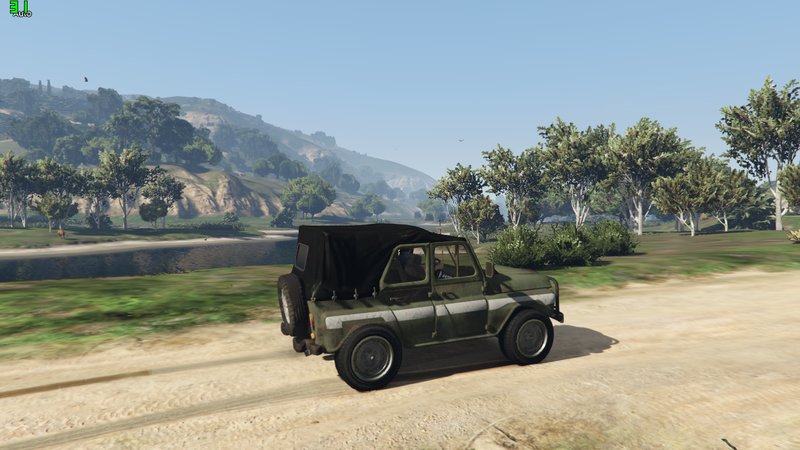
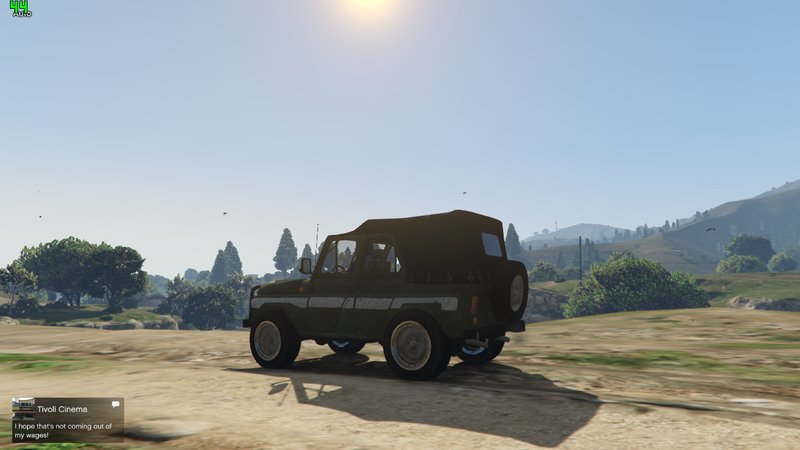
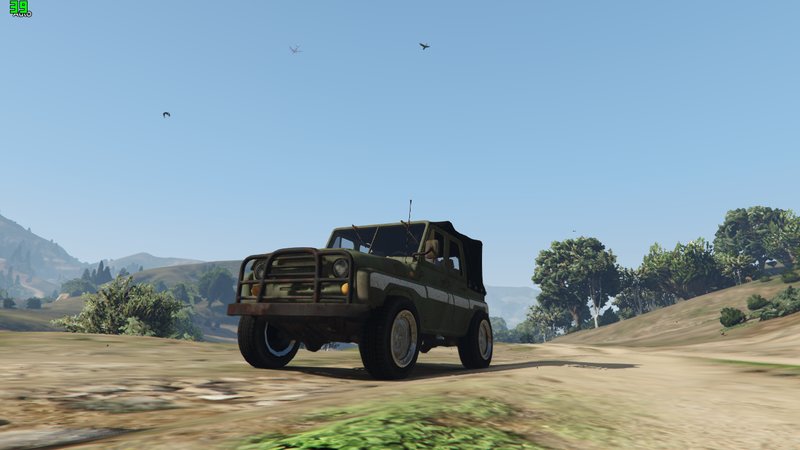
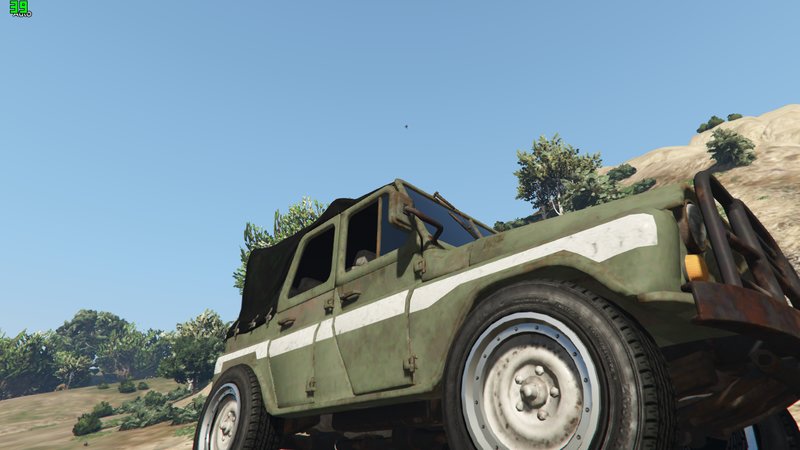
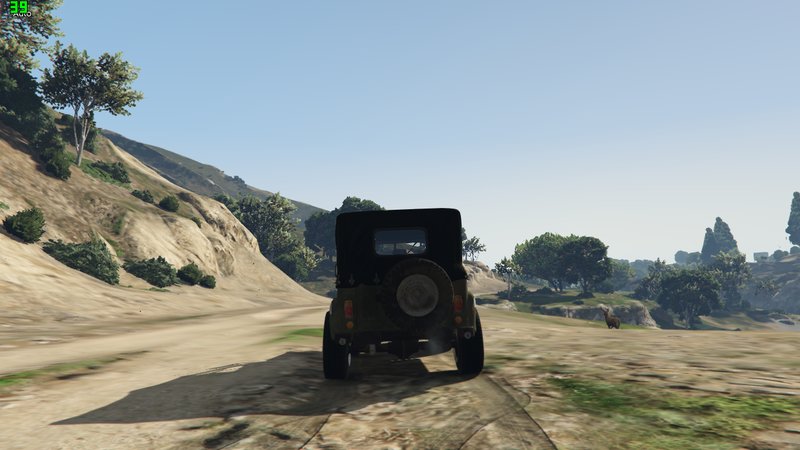
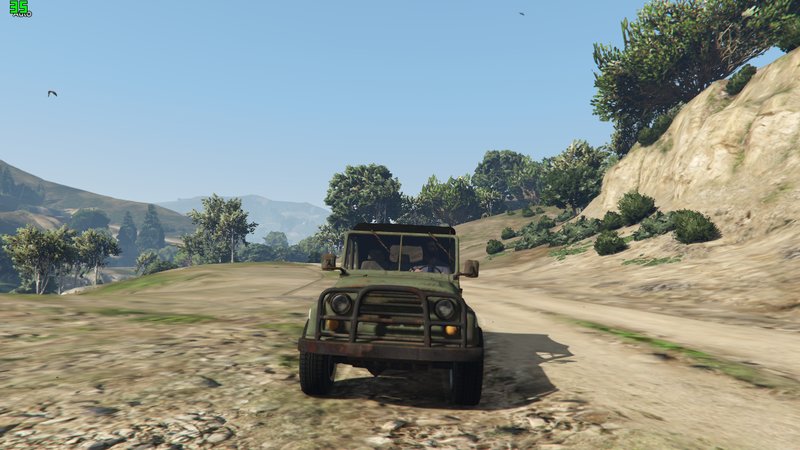
PUBG JEEP - UAZ
- Mahesh Dahampath
- 11/15/2020
- 4878 Downloads
Ratings:
Please sign in first.
Favorites:
Download
22.54Mb
22.54Mb
Videos
No videos added yet.You need to be signed in to add videos to this mod.
Description
ඉන්ස්ටෝල් කරන ආකාරය සිංහලෙන් ෆයිල් එක තුල ඇති PDF එකකින් දක්වා ඇත.
ඉන්ස්ටෝල් කරන ආකාරය සිංහලෙන් ඇතුලත් වීඩියෝ පටය (HOW INSTALL FULL VIDEO GUIDE) - https://1337x.to/home/
Requirements
1. “ScripthookV” - https://www.gta5-mods.com/tools/script-hook-v
2. “OpenIV” - http://openiv.com
3. “Enhanced Native Trainer” - https://www.gta5-mods.com/scripts/enhanced-native-
trainer-zemanez-and-others
How to Install
1. Install “ScripthookV & “OpenIV”.
2. Extract “UAZ” rar/zip file.
3. Go to “OpenIV” and Enable “edit mode”.
4. Install all “ASI Managers” and that will make a “mods” folder in your “GTA 5” folder. If
you already have a “mods” folder skip this step.
5. Minimize “OpenIV” and go to “GTA 5” folder via “My computer/This PC”. Copy “x64e”
RPF and “update” folder to “mods” folder.
6. In “OpenIV”, go to
“mods\update\x64\dlcpacks\patchday2ng\dlc.rpf\x64\levels\gta5\vehicles.rpf” and drag
and drop all files in “UAZ>>MOD FILES” folder.
7. In “OpenIV”, go to
“mods\update\x64\dlcpacks\patchday3ng\dlc.rpf\x64\levels\gta5\vehicles.rpf” and drag
and drop all files in “UAZ>>MOD FILES” folder.
8. In “OpenIV”, go to “mods\x64e.rpf\levels\gta5\vehicles.rpf” and drag and drop all files
in “UAZ>>MOD FILES” folder.
9. Use “Enhanced Native Trainer” to spawn the vehicle. Vehicle Name is “mesa”.
Terms & conditions
Do not edit/mod/post anywhere this mod without my permission.
Credits
“Alexander Blade” for “ScripthookV”
“OpenIV team” for “OpenIV”
“Zemanez, arewenotmen and others” for ““Enhanced Native Trainer””
Thank You for downloading this mod
Don’t forgot to like, comment, 5-star vote & share.
Created By – MAHESH BANDARA DAHAMPATH
ඉන්ස්ටෝල් කරන ආකාරය සිංහලෙන් ඇතුලත් වීඩියෝ පටය (HOW INSTALL FULL VIDEO GUIDE) - https://1337x.to/home/
Requirements
1. “ScripthookV” - https://www.gta5-mods.com/tools/script-hook-v
2. “OpenIV” - http://openiv.com
3. “Enhanced Native Trainer” - https://www.gta5-mods.com/scripts/enhanced-native-
trainer-zemanez-and-others
How to Install
1. Install “ScripthookV & “OpenIV”.
2. Extract “UAZ” rar/zip file.
3. Go to “OpenIV” and Enable “edit mode”.
4. Install all “ASI Managers” and that will make a “mods” folder in your “GTA 5” folder. If
you already have a “mods” folder skip this step.
5. Minimize “OpenIV” and go to “GTA 5” folder via “My computer/This PC”. Copy “x64e”
RPF and “update” folder to “mods” folder.
6. In “OpenIV”, go to
“mods\update\x64\dlcpacks\patchday2ng\dlc.rpf\x64\levels\gta5\vehicles.rpf” and drag
and drop all files in “UAZ>>MOD FILES” folder.
7. In “OpenIV”, go to
“mods\update\x64\dlcpacks\patchday3ng\dlc.rpf\x64\levels\gta5\vehicles.rpf” and drag
and drop all files in “UAZ>>MOD FILES” folder.
8. In “OpenIV”, go to “mods\x64e.rpf\levels\gta5\vehicles.rpf” and drag and drop all files
in “UAZ>>MOD FILES” folder.
9. Use “Enhanced Native Trainer” to spawn the vehicle. Vehicle Name is “mesa”.
Terms & conditions
Do not edit/mod/post anywhere this mod without my permission.
Credits
“Alexander Blade” for “ScripthookV”
“OpenIV team” for “OpenIV”
“Zemanez, arewenotmen and others” for ““Enhanced Native Trainer””
Thank You for downloading this mod
Don’t forgot to like, comment, 5-star vote & share.
Created By – MAHESH BANDARA DAHAMPATH
Comments
There are 3 comments posted yet.