Featured
GTA V / Bikes / Motorcycles
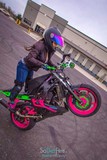
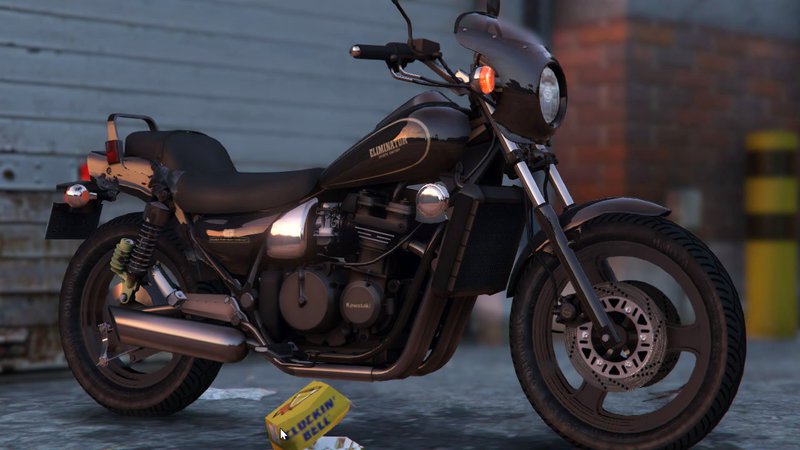
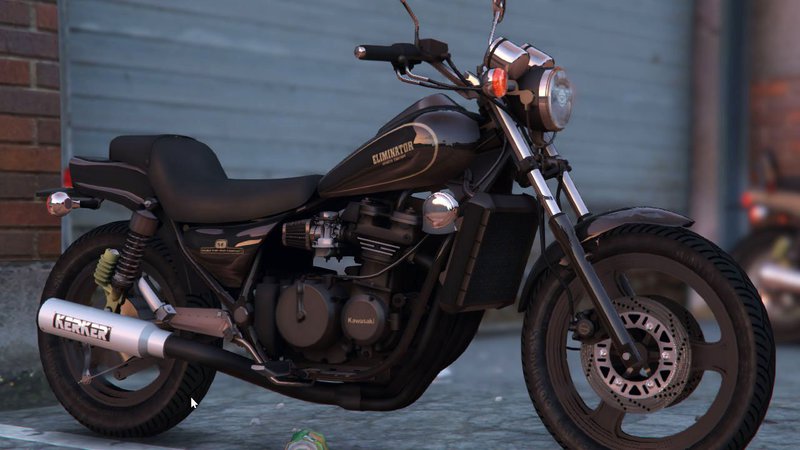
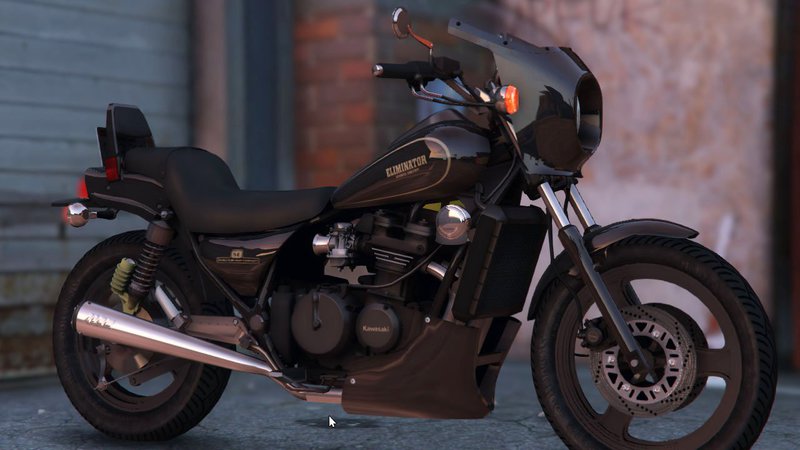
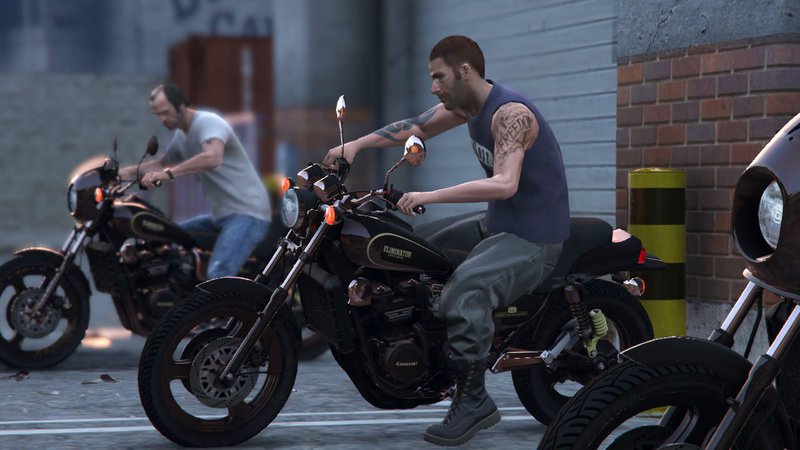
Kawasaki Eliminator 400SE
- gosuke
- arikai.com/
- 01/12/2016
- 12832 Downloads
Ratings:
Please sign in first.
Favorites:
Download
18.88Mb
18.88Mb
Videos
No videos added yet.You need to be signed in to add videos to this mod.
Description
Installation
-----------------------
Double click on "zl400b.oiv" and follow the on-screen instructions.
If you cannot open .oiv archive, right click on it, go to "Open with..." and select OpenIV program.
or
Go to menu Tools > Package Installer in OpenIV, open "zl400b.oiv" and follow the on-screen instructions.
Uninstallation
-----------------------
1) Extract "dlclist.xml" with OpenIV from update\update.rpf\common\data
2) Delete this line "dlcpacks:\gosuke2mods\" to "dlclist.xml"
3) Save, and replace the old one at update\update.rpf\common\data
4) Extract "extratitleupdatedata.meta" with OpenIV from update\update.rpf\common\data
5) Delete these lines
dlc_gosuke2mods:/
update:/dlc_patch/gosuke2mods/
6) Save, and replace the old one at update\update.rpf\common\data
7) Double click on "uninstall_zl400b.oiv" and follow the on-screen instructions.
How to spawn the new added cars
-----------------------
I recommend you to use Enhanced Native Trainer or Simple Trainer, etc with "spawn car by name" function.
Select this function and input the vehicle name to spawn it.
Ingame vehicle names:
Kawasaki Eliminator400SE ---> zl400b
known issues
-----------------------
no breakble glass
-----------------------
Double click on "zl400b.oiv" and follow the on-screen instructions.
If you cannot open .oiv archive, right click on it, go to "Open with..." and select OpenIV program.
or
Go to menu Tools > Package Installer in OpenIV, open "zl400b.oiv" and follow the on-screen instructions.
Uninstallation
-----------------------
1) Extract "dlclist.xml" with OpenIV from update\update.rpf\common\data
2) Delete this line "dlcpacks:\gosuke2mods\" to "dlclist.xml"
3) Save, and replace the old one at update\update.rpf\common\data
4) Extract "extratitleupdatedata.meta" with OpenIV from update\update.rpf\common\data
5) Delete these lines
dlc_gosuke2mods:/
update:/dlc_patch/gosuke2mods/
6) Save, and replace the old one at update\update.rpf\common\data
7) Double click on "uninstall_zl400b.oiv" and follow the on-screen instructions.
How to spawn the new added cars
-----------------------
I recommend you to use Enhanced Native Trainer or Simple Trainer, etc with "spawn car by name" function.
Select this function and input the vehicle name to spawn it.
Ingame vehicle names:
Kawasaki Eliminator400SE ---> zl400b
known issues
-----------------------
no breakble glass
Comments
There are 6 comments posted yet.