GTA IV / Weapons / Other weapons
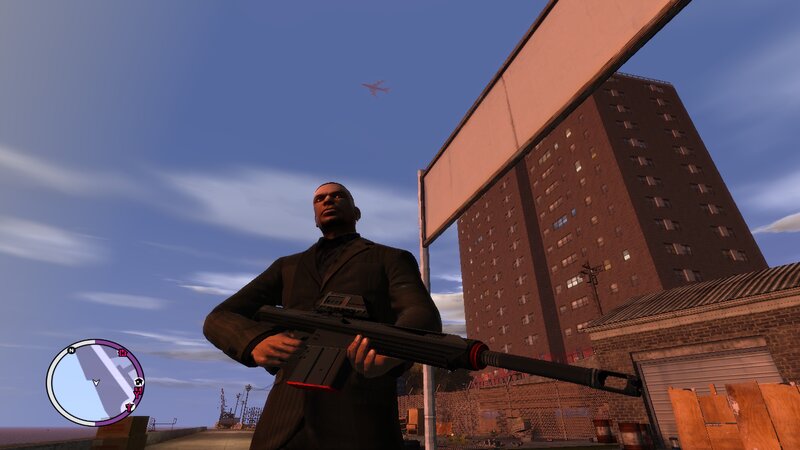
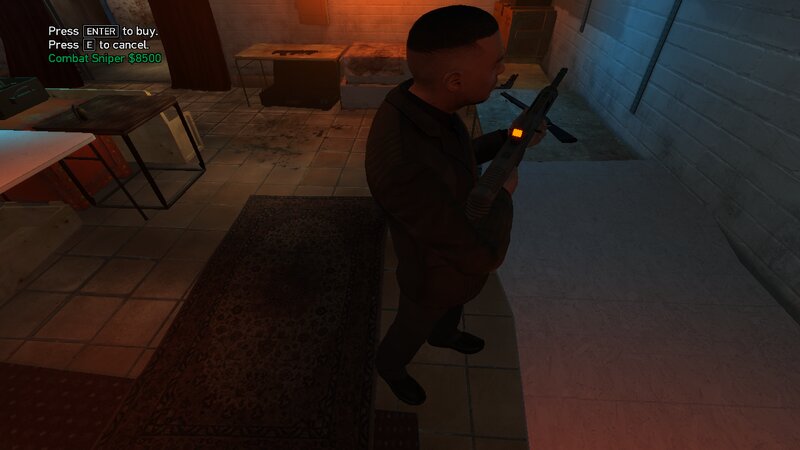
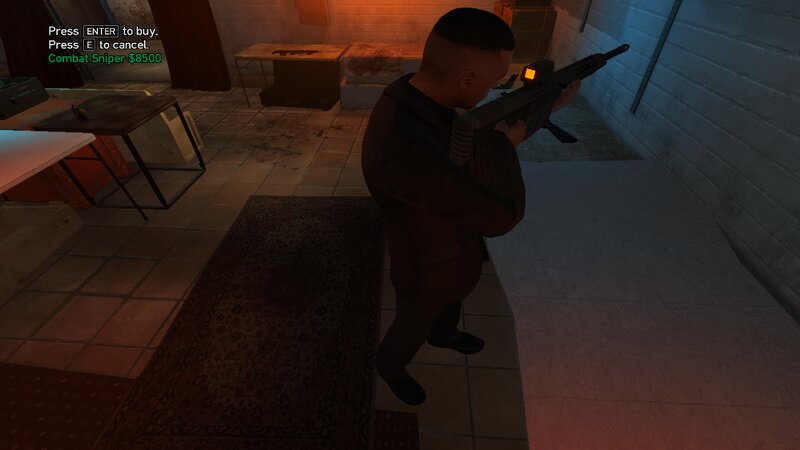
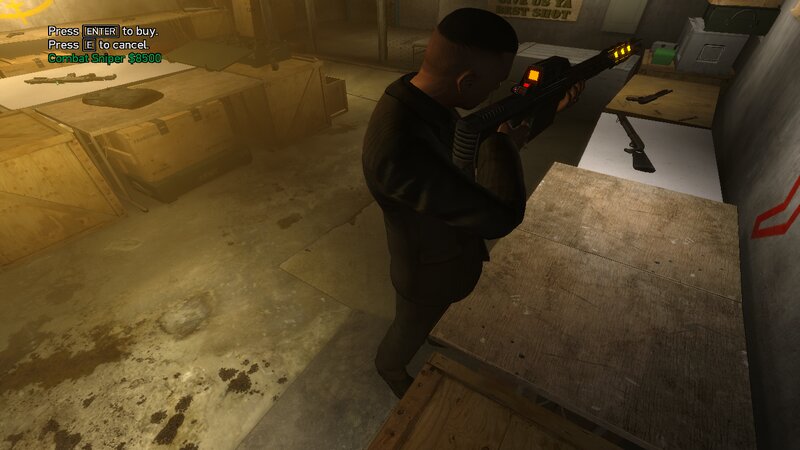
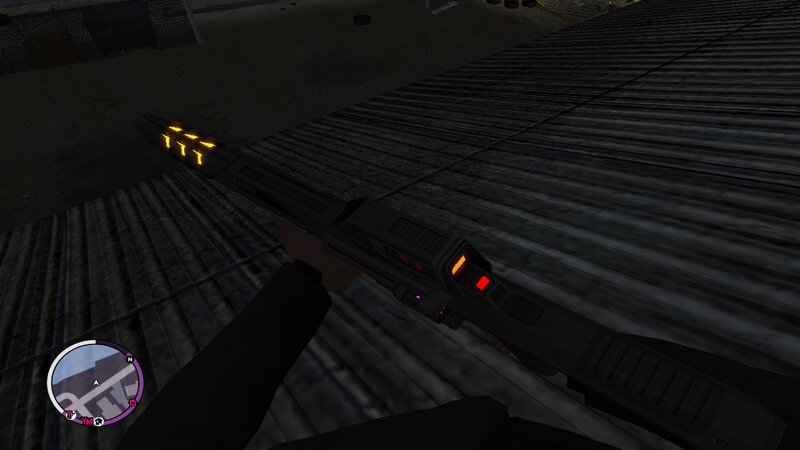
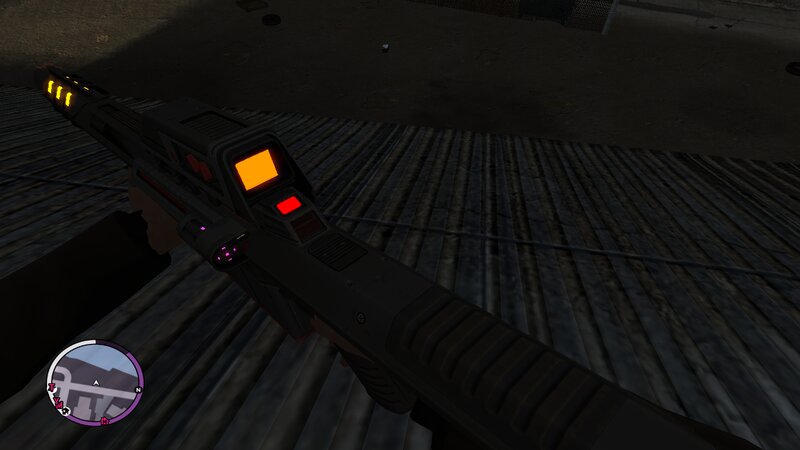
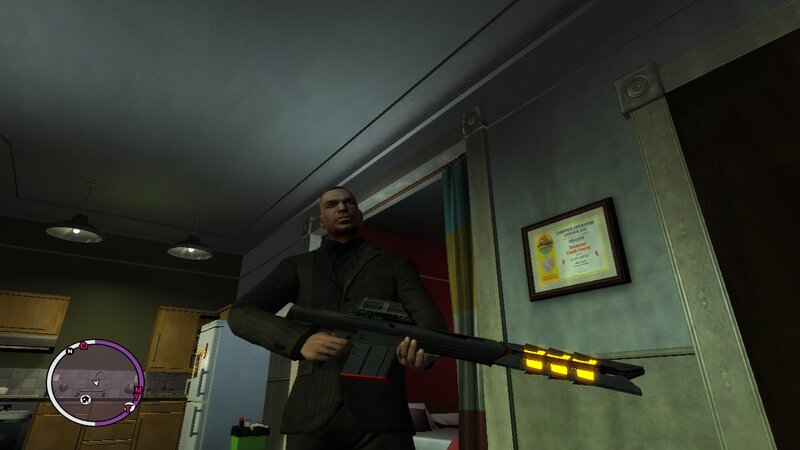
Kobracon from Far Cry:3 Blood Dragon for GTA IV and EFLC.
- N4SPEED GTA | uploaded by N4SPEED GTA
- 03/13/2026
- 434 Downloads
Ratings:
Please sign in first.
Favorites:
Videos
No videos added yet.You need to be signed in to add videos to this mod.
Description
Kobracon from Far Cry:3 Blood Dragon for GTA IV and EFLC.
FEATURES:
-High quality textures and models.
-Increased damage, accuracy and clip capacity.
-No issuses during the story missions of GTA IV or EFLC.
INSTALLATION:
-With "Open IV" program locate the game's installation folder and move to "pc/models/cdimages/(weapons.img)".
-Enable "Edit mode" under the file submenu,Then open "weapons.img" to replace "w_psg1.wdr and w_psg1.wtd".
-After that copy the new file "WeaponInfo.xml" and move to "common/data/(Paste and replace the original file).
-Launch the game and enjoy your new weapon!
NOTE:
Make a backup copy of your game files before starting the installation and follow all steps carefully to avoid mistakes.
FEATURES:
-High quality textures and models.
-Increased damage, accuracy and clip capacity.
-No issuses during the story missions of GTA IV or EFLC.
INSTALLATION:
-With "Open IV" program locate the game's installation folder and move to "pc/models/cdimages/(weapons.img)".
-Enable "Edit mode" under the file submenu,Then open "weapons.img" to replace "w_psg1.wdr and w_psg1.wtd".
-After that copy the new file "WeaponInfo.xml" and move to "common/data/(Paste and replace the original file).
-Launch the game and enjoy your new weapon!
NOTE:
Make a backup copy of your game files before starting the installation and follow all steps carefully to avoid mistakes.
Comments
There are 0 comments posted yet.