GTA IV / Skins / New look / model
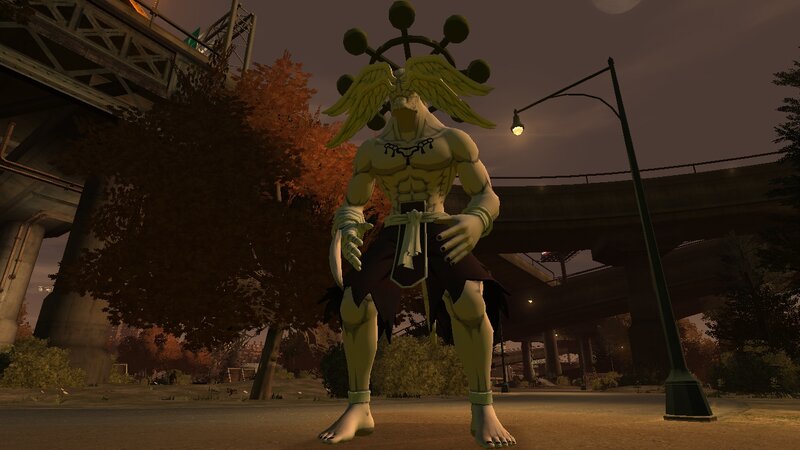
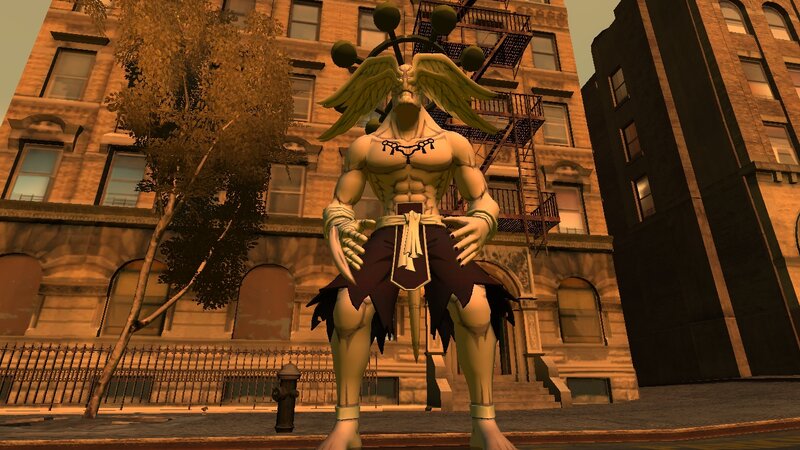
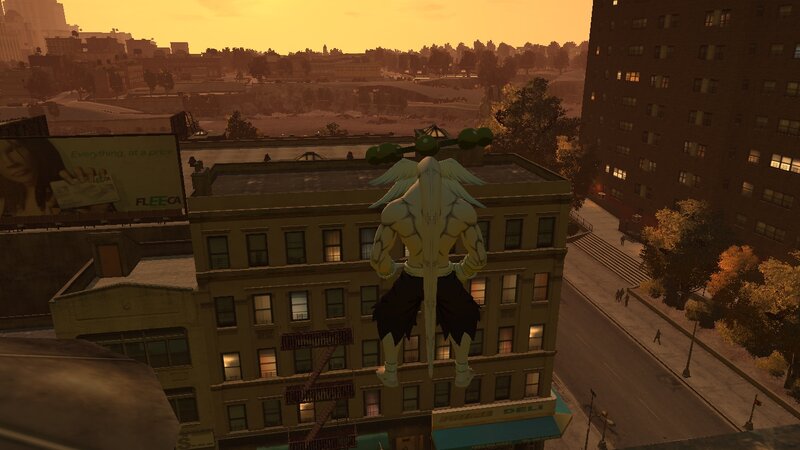
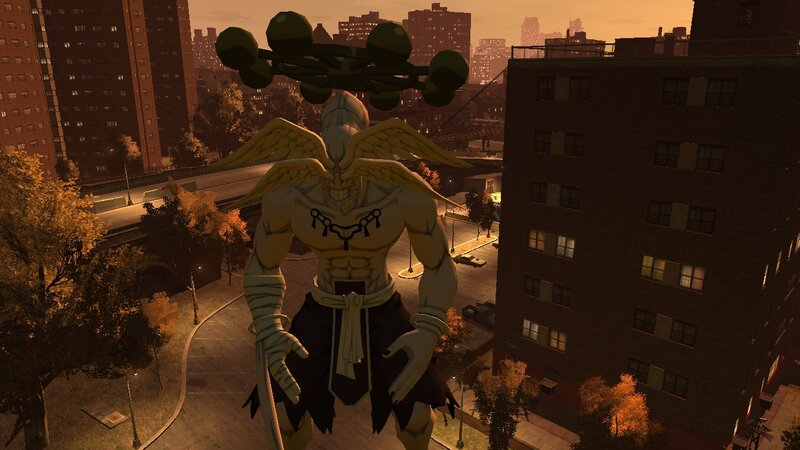
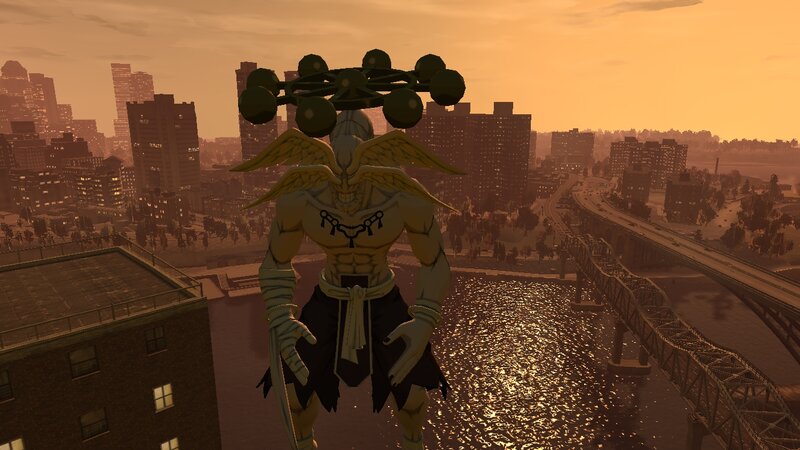
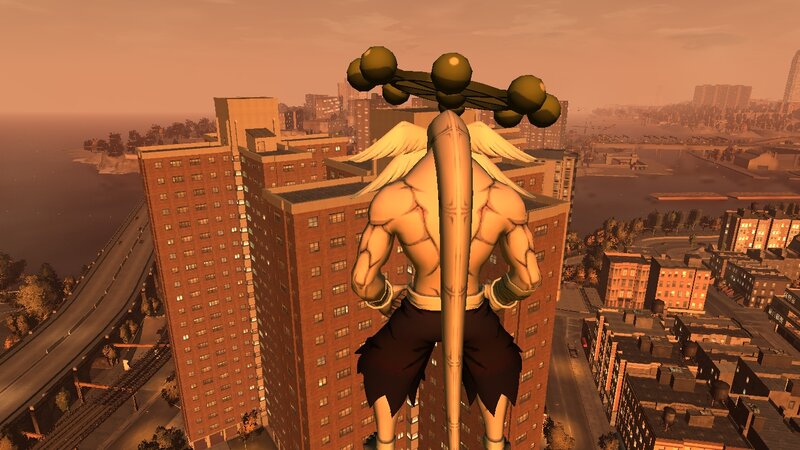
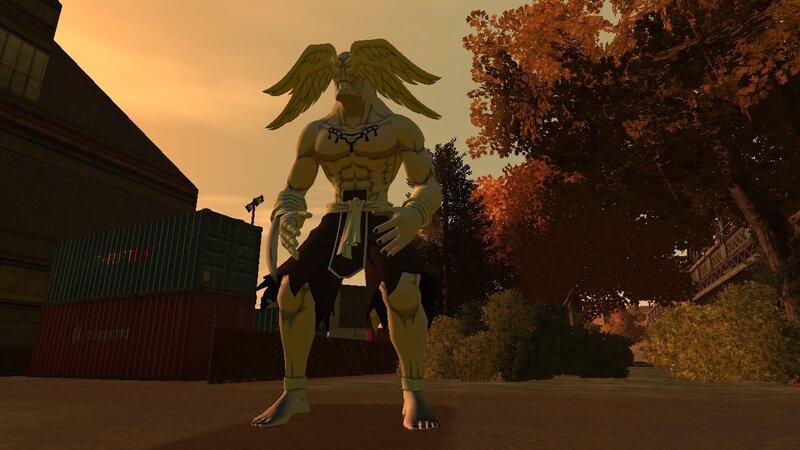
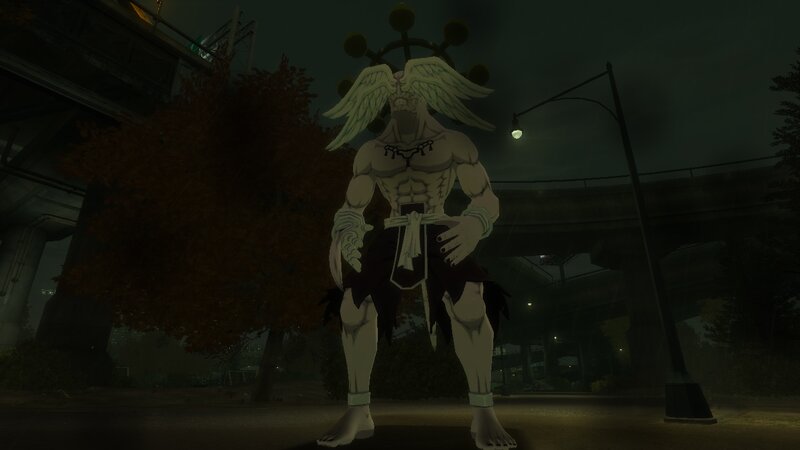
Mahoraga from Jujutsu Kaisen
- N4SPEED GTA | uploaded by N4SPEED GTA
- 07/23/2026
- 957 Downloads
Ratings:
Please sign in first.
Favorites:
Videos
No videos added yet.You need to be signed in to add videos to this mod.
Description
Mahoraga from Jujutsu Kaisen for GTA IV and EFLC.
This modifications adds Mahoraga from Jujutsu Kaisen to GTA IV and EFLC, to clarify this is not a skin, but merely a model for testing purposes.
INSTALLATION INSTRUCTIONS:
-With Open IV locate the game's installation folder and move to "pc/models/cdimages/(vehicles.img)".
-Enable Edit mode under the File submenu,Then open "vehicles.img" to add "Mahoraga.wft and Mahoraga.wtd".
-Go to the data folder and open "Handling.dat & Vehicles.ide" files, use the "Notepad" to add the configuration lines.
-Launch the game and use the trainer to spawn the model.
Comments
There are 0 comments posted yet.