GTA III / Cars / Audi
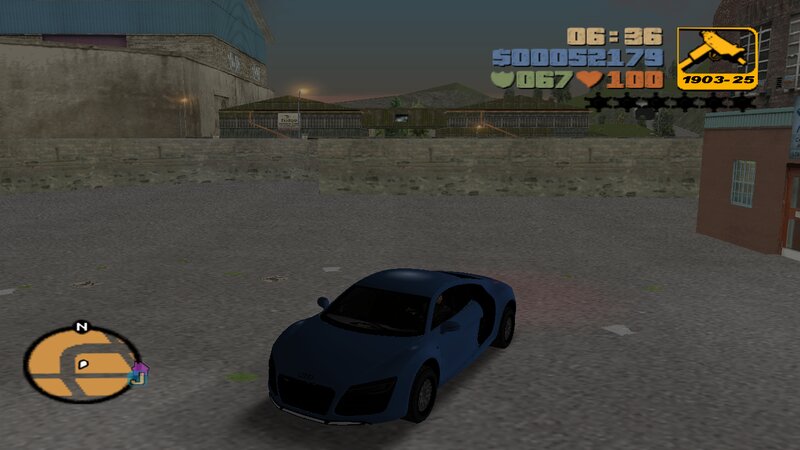
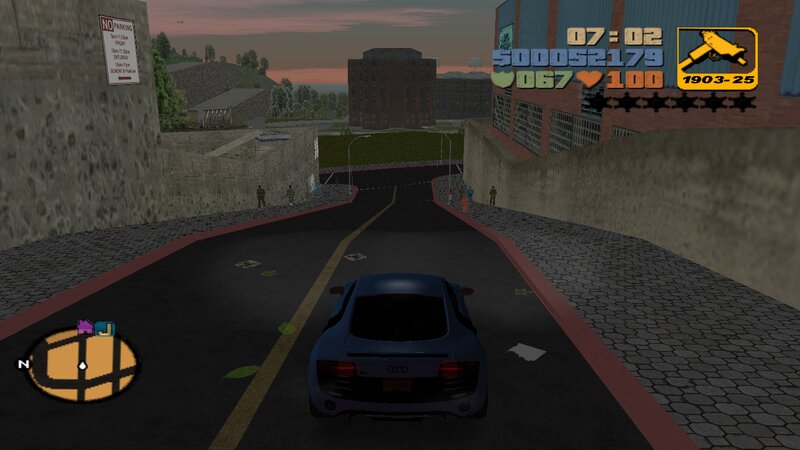
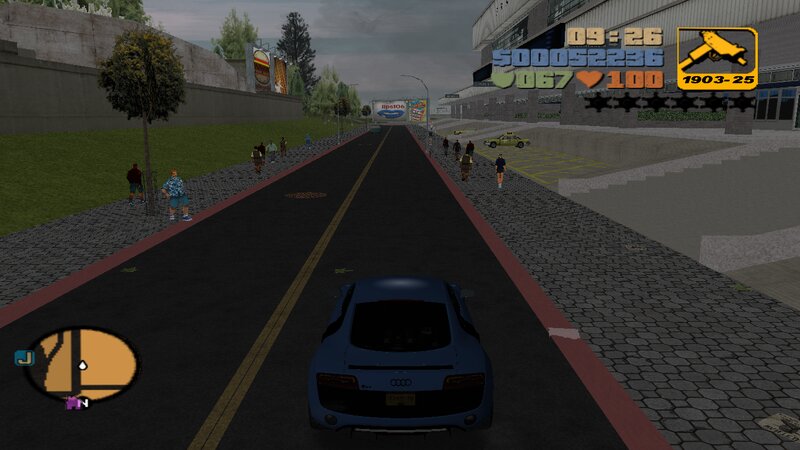
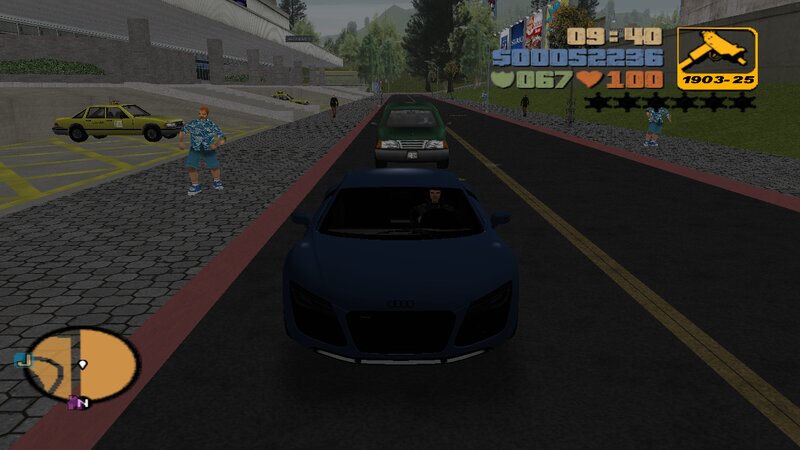
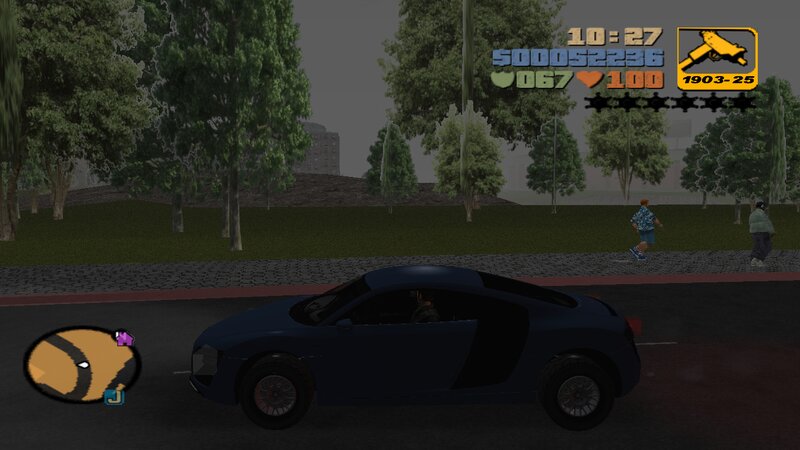
Audi R8 Coupé V10 Plus 5.2 FSI Quattro
- N4SPEED GTA | uploaded by N4SPEED GTA
- 11/23/2025
- 1905 Downloads
Ratings:
Please sign in first.
Favorites:

Videos
No videos added yet.You need to be signed in to add videos to this mod.
Description
Audi R8 Coupé V10 Plus 5.2 FSI Quattro
FEATURES:
-High quality models and textures.
-Improved handling for the new car.
INSTALLATION INSTRUCTIONS:
-With "Txd Workshop" locate the game's installation folder and move to "models",Open the file "gta3.img" and replace "infernus.dff & infernus.txd".
-Use "Txd Workshop" again to open the file "txd.img",find and replace "infernus.txd".
-Go to folder "models\generic" and replace "wheels.DFF & MISC.txd".
-After That go to folder "data",open the file "handling.cfg" with "Notepad" and replace the handling line "INFERNUS" with the new.
-Launch the game and enjoy with your new car!
NOTES:
-Make a backup copy of your game files before installing the mod.
-Make sure you follow all the steps correctly to avoid errors in the game.
Comments
There are 0 comments posted yet.